
AddLovedOnetoPhoto
AI Family Photo Editing
Add a missing loved one to your favorite photo with AI for natural, ultra-HD memorial results in under 40 seconds.
Promoted
 AI Checker PlusAI detector that highlights which passages AI wrote. Free check, no sign-up. Plagiarism too.
 RewindType any X/Twitter handle. Get their year back as a narrated video story. Then ask it anything.
 KurodyneSell the tools from your AI side projects. Listing is free.
 Sidrune AI85% off. Stable Claude API for agent developers. Pay as you go. Invoices & refunds available.
 Pixmax.aiPixmax.ai is an all-in-one AI workspace for videos, visual stories, and marketing content.
 SEOify - Improve your SEO & rankingsBuild links to rank in Google. Improve your DR with links you can start building now.Advertise here330,000+ people visit Dang.ai every month.
What does AddLovedOnetoPhoto do?
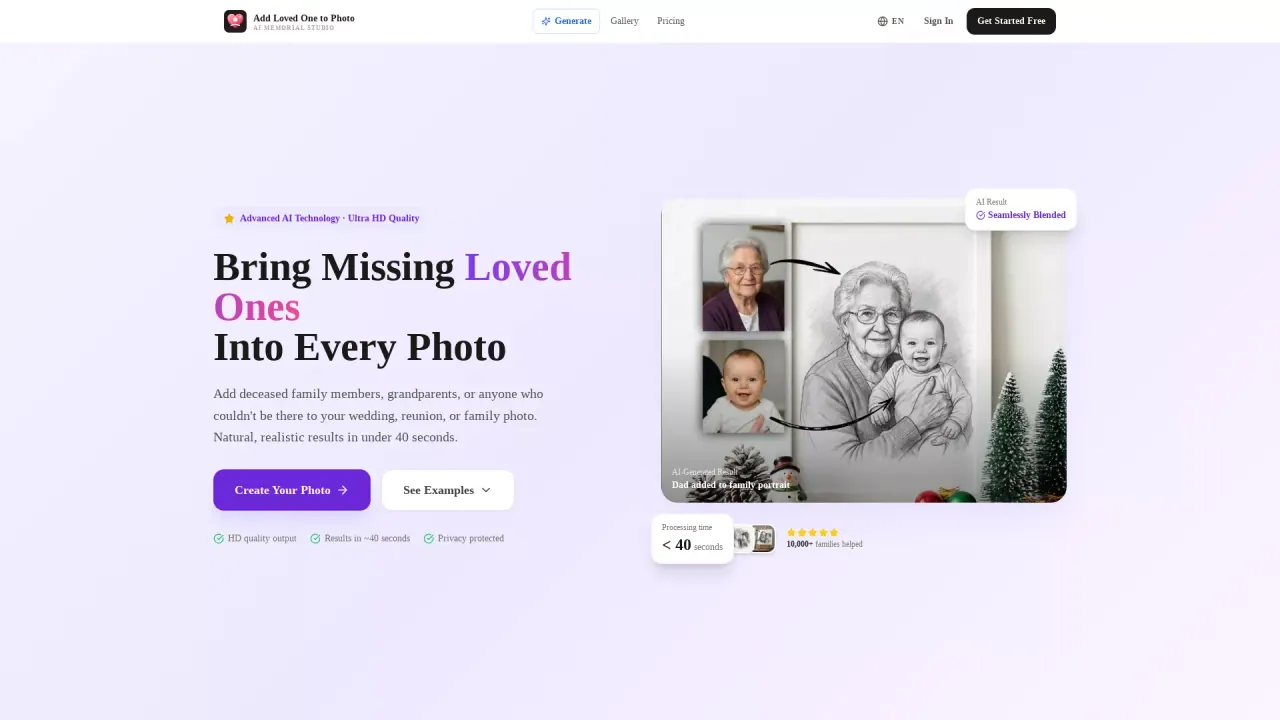
Add Loved One to Photo is an AI memorial studio that lets you blend a person into an existing group image—perfect for weddings, reunions, family portraits, and other meaningful moments where someone couldn’t be there. You upload (1) the group photo and (2) a clear reference photo of the person you want to add, and the AI generates a realistic composite with natural integration.
The core workflow is simple: upload your group photo, upload a reference photo of the person to add, then generate and download a high-resolution result. The tool focuses on realism with AI-powered blending, including edge and proportion matching, lighting and color temperature adaptation, and expression harmony so the added person fits the mood of the original scene. It also places the person with correct depth, occlusion, and background interaction.
Output is generated in ultra-high resolution (2K HD quality) and takes about 40 seconds. Supported input formats are JPG, PNG, and WEBP (up to 20MB), and you can choose common output aspect ratios such as 4:3, 3:4, 1:1, 16:9, and 9:16.
Pricing is credit-based within subscription plans. Get Started Free is available with a limited trial generation. Paid plans include Starter ($11.99/month billed as $143.88/year for 300 photos/year), Standard ($22.99/month billed as $275.88/year for 700 photos/year), and Premium ($33.99/month billed as $407.88/year for 1,100 photos/year), each with ultra HD photo output and downloadable results. Cancel anytime.
How does Add Loved One to Photo work?
Upload the group photo where you want the person added, upload a reference photo of the person, then click Generate to get a natural AI composite for download.
What reference photo should I use to add someone to a picture?
Use a clear photo of the person you want to add. A more recognizable, well-lit reference helps the AI recreate them naturally.
How long does it take to generate an image?
Generation is typically under 40 seconds per result.
What image formats and file sizes are supported?
You can upload JPG, PNG, or WEBP files up to 20MB for both the group photo and the reference photo.
What output aspect ratios can I choose?
Choose from 4:3, 3:4, 1:1, 16:9, and 9:16.
Can I add a deceased loved one to a photo?
Yes. The tool is designed for memorial edits, including adding a deceased family member or loved one to weddings, reunions, and family portraits.
This listing is claimed
Own AddLovedOnetoPhoto? Sign in with the email used to claim it to manage this listing, or upgrade to Pro for featured-first placement and a newsletter feature.