
Nitro Pack
Website Performance Optimization Tool With AI
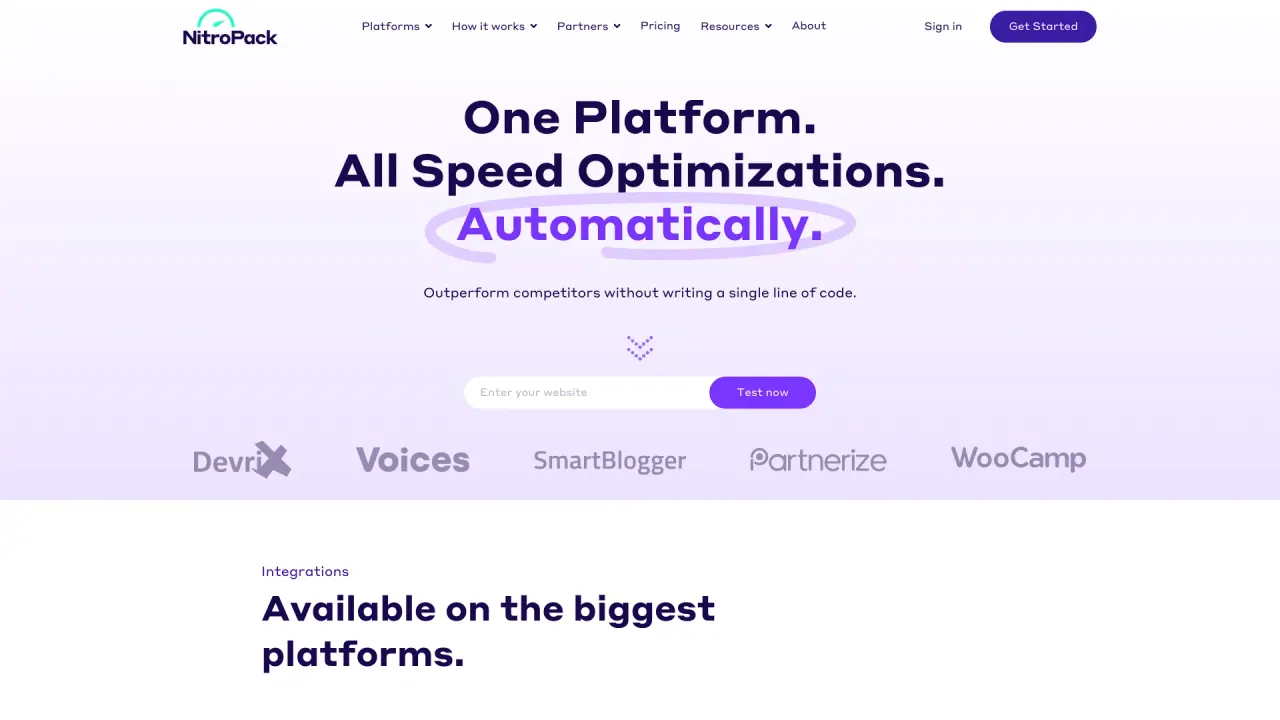
Optimize your website's performance with AI-powered NitroPack. Achieve superior Core Web Vitals and a flawless 100 PageSpeed score effortlessly.
- Listed
- Aug 4, 2023
- Updated
- May 25, 2026
What does Nitro Pack do?
Is NitroPack hard to set up?
NitroPack is a plug-and-play speed optimization tool designed to work with WordPress and other platforms. It requires no coding, and you can start optimizing without headaches.
How do I install NitroPack on my website?
- Log in to your WordPress admin panel
- Go to Plugins > Add New
- In the search bar, type “nitropack” and press Enter
- Click Install Now, then activate the plugin
- Create a NitroPack account or log in if you already have one
- In the NitroPack dashboard, copy your Site ID and Site Secret
- In WordPress, open the NitroPack plugin settings
- Paste the Site ID and Site Secret, then click Connect to NitroPack
Will NitroPack break my website?
NitroPack is designed to be a safe, plug-and-play solution that works with major platforms. If you have concerns, you can test the performance first and reach out to 24/7 support for help.
How does NitroPack improve website performance?
- Caching with smart invalidation to keep content fresh
- Image optimization (compression, conversion, and lazy loading)
- Video optimization (load videos only when needed)
- Font optimization (preloading and delivery tailored to page/device)
- Code optimization (minification, deferral, and compression)
- Built-in CDN delivering content from servers in 100+ countries
What can I expect after installing NitroPack?
- Faster page loads (many sites load under 3 seconds; a large share load under 2.75 seconds)
- Improved Core Web Vitals performance
- Higher PageSpeed scores (90+ is common)
- Instant mobile and desktop performance improvements
- Access to 24/7 expert support and ongoing optimization
How is NitroPack different from other speed optimization tools?
- 60+ features working in sync
- No coding required
- Built-in CDN included
- Cloud-based optimizations
- 24/7 support
- Easy testing and preview of performance improvements
If I have a dev team, do I still need NitroPack?
Yes. NitroPack automates many optimization tasks across caching, imaging, code, and delivery, and it offers team collaboration features to coordinate performance work with your developers.
Is NitroPack cloud-based?
Yes. All optimizations run in the cloud, so there’s no extra server load, and you also get a built-in CDN.
What platforms does NitroPack integrate with?
NitroPack integrates with WordPress and WooCommerce, and also supports Magento and OpenCart.
Can I try NitroPack for free before purchasing?
Yes. You can test your website for free to preview the performance upgrades NitroPack can deliver.
Does NitroPack offer a money-back guarantee?
Yes. NitroPack offers a 14-day money-back guarantee.
Time is money. Why waste either?
NitroPack aims to save you time and improve your bottom line by delivering instant speed gains, with no coding required, a free test option, and support to ensure you maximize performance.
Is this your tool?
Claim Nitro Pack to manage this listing, or upgrade to Pro for featured-first placement and a newsletter feature.