
Image To Video AI
No longer active
AI Video Generation
Image to Video AI Generator
Image To Video AI is no longer available
- Listed
- May 11, 2026
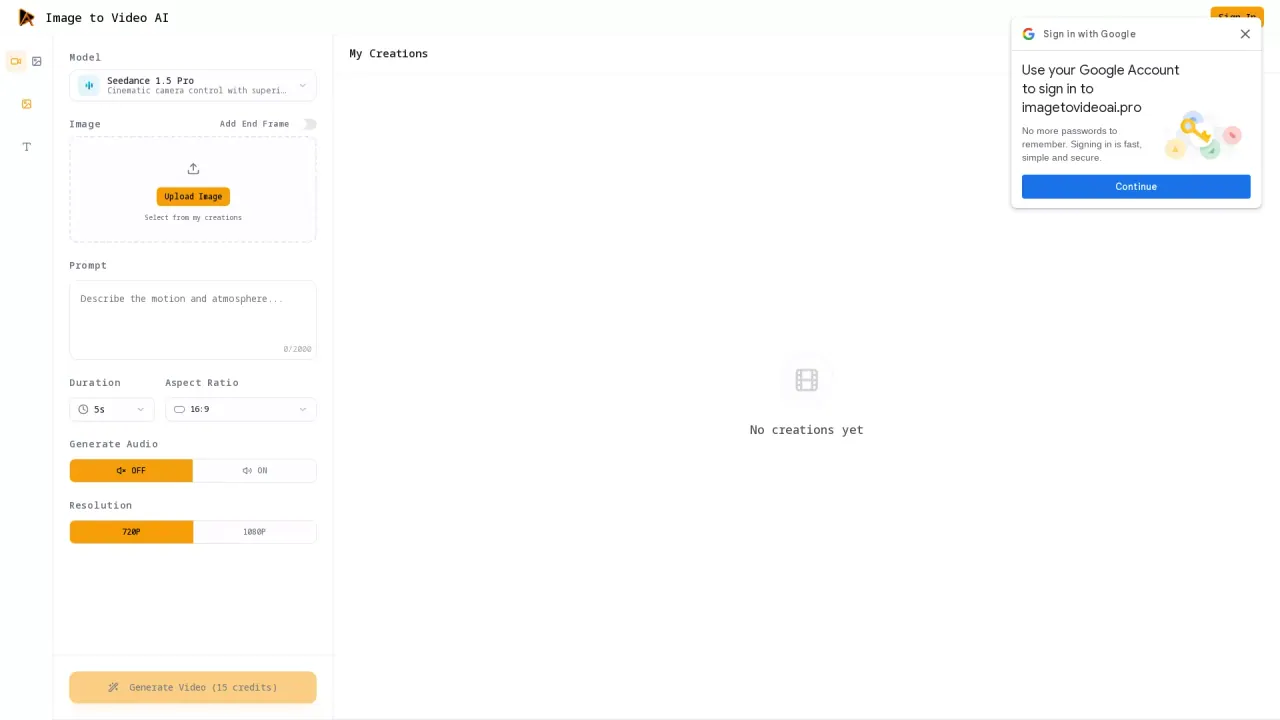
What does Image To Video AI do?
What does Image to Video AI do?
It can turn product shots, illustrations, or character art into short cinematic clips with controllable motion and camera moves. Image to Video AI Generator is used for ad variations, storyboards, social posts, and pitch videos while keeping keyframes and style consistent.
What are some unique features of imagetovideoai.pro?
Many tools focus on a single model or a single look, which makes results inconsistent across projects. Image to Video AI Generator combines multiple top models, first and last frame control, multi-image references, and built-in voiceover, so you can match style and pacing without jumping between apps. Image to Video AI also integrates with Google Chrome, Workspace, and Figma for faster collaboration.
Can a user use Image to Video AI for free?
A free plan lets you generate one video to experience the quality and workflow. If you need more outputs, higher limits, or advanced features, you can upgrade to a paid plan for Image to Video AI.