
TaleHug
AI Design Tools
Create customizable, picture-first AI storybooks for kids from voice, text, or drawings with parent-guided sharing options.
- Pricing
- Free
- Category
- Design
- Listed
- Jun 13, 2026
- Updated
- Jun 13, 2026
Promoted
 Sidrune AI85% off. Stable Claude API for agent developers. Pay as you go. Invoices & refunds available.
 Pixmax.aiPixmax.ai is an all-in-one AI workspace for videos, visual stories, and marketing content.
 SEOify - Improve your SEO & rankingsBuild links to rank in Google. Improve your DR with links you can start building now.Advertise here270,000+ people visit Dang.ai every month.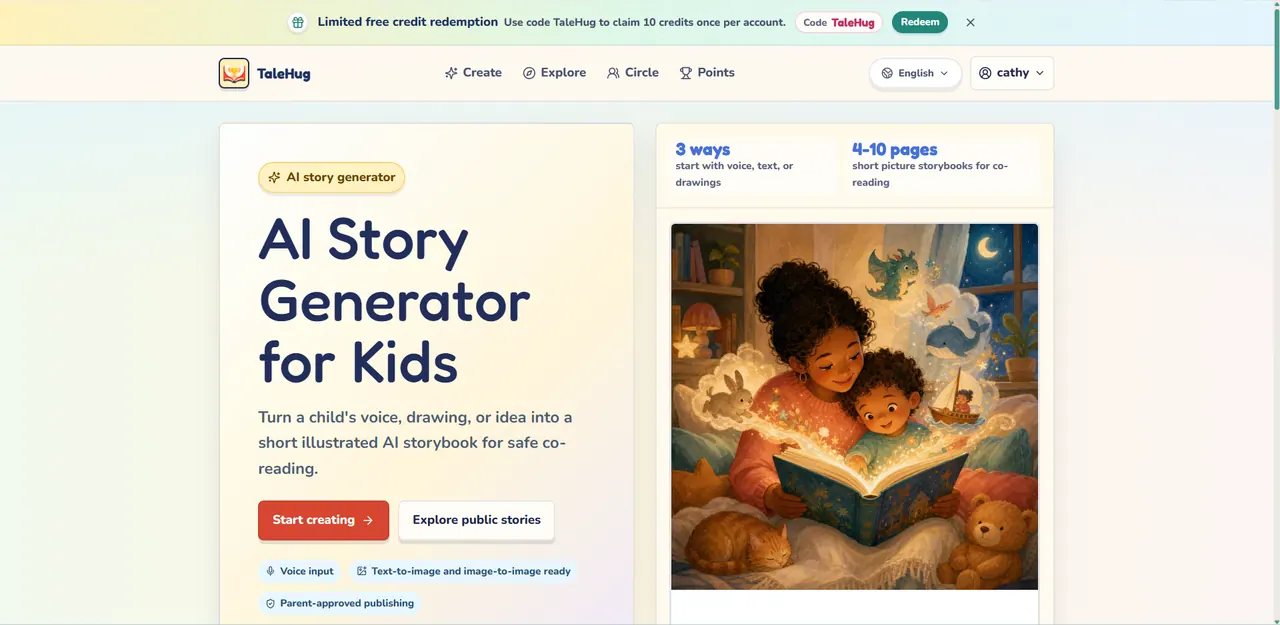
What does TaleHug do?
TaleHug is an AI story generator for kids that turns a child’s voice, text, or drawing into a short illustrated storybook built for co-reading.
Start with 4–10 picture-led pages (designed for preschool and kindergarten ages), then generate story pages that combine a strong image with a short sentence. The finished storybook is created in a way meant to be easy for families to read together.
Sharing is flexible but guided: drafts are private by default, and publishing options include private, circle, or public visibility, with adult review required before circle or public publishing. Personal details are kept minimal (including safe display names and no school names, addresses, or child contact details), and public comments are minimized in the MVP.
You can also explore a public gallery of approved examples from young creators for inspiration.
What inputs can a child use to create a story on TaleHug?
A story can start from a child’s voice, typed text, or an uploaded drawing or picture idea.
How long are the AI picture storybooks in TaleHug?
Storybooks are short picture stories with 4–10 pages.
What ages is TaleHug designed for?
It’s designed for preschool and kindergarten ages (about 3–6).
Can I publish a child’s story to the public gallery?
Public publishing requires adult review. Drafts start private, and circle/public sharing is modeled around adult approval.
Are children able to comment publicly on stories?
Public comments are minimized in the MVP, keeping the experience focused on reading rather than interaction.
Does TaleHug help keep children’s personal information out of stories?
Yes—publication is designed with safety defaults like safe display names and no school names, addresses, or child contact details.
This listing is claimed
Own TaleHug? Sign in with the email used to claim it to manage this listing, or upgrade to Pro for featured-first placement and a newsletter feature.