
sparkpix.ai
Photography AI Tools
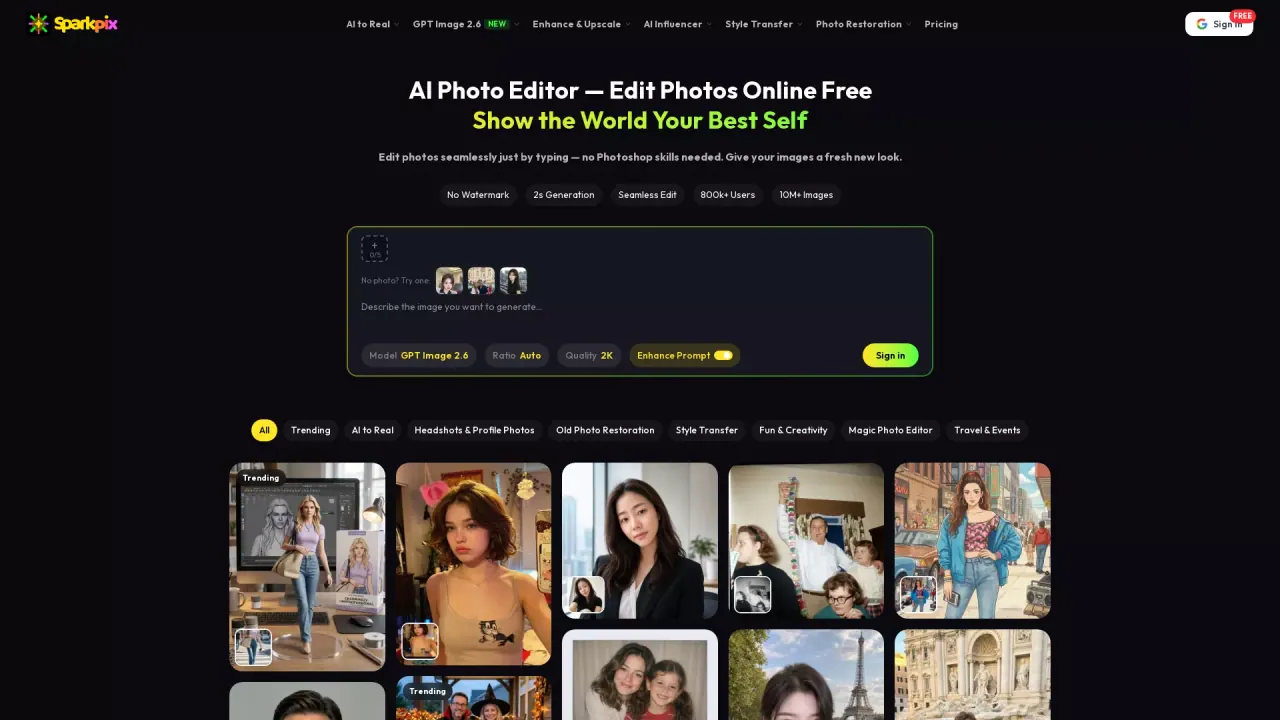
sparkpix.ai is a free online AI photo editor where you upload an image and edit it by typing what you want—restore, enhance, remove, and restyle.
- Category
- Photography
- Listed
- Nov 14, 2026
- Updated
- Nov 14, 2026
Promoted
 RewindType any X/Twitter handle. Get their year back as a narrated video story. Then ask it anything.
 KurodyneSell the tools from your AI side projects. Listing is free.
 Pixmax.aiPixmax.ai is an all-in-one AI workspace for videos, visual stories, and marketing content.
 AI Checker PlusAI detector that highlights which passages AI wrote. Free check, no sign-up. Plagiarism too.
 SEOify - Improve your SEO & rankingsBuild links to rank in Google. Improve your DR with links you can start building now.Advertise here330,000+ people visit Dang.ai every month.
What does sparkpix.ai do?
sparkpix.ai is a browser-based AI photo editor that lets you make changes to your photos by typing instructions. Upload a JPG, PNG, or WebP file (up to 20MB), describe what you want to happen in plain language, and download your updated still image in seconds—no Photoshop skills and no software install required.
Use sparkpix.ai for photo restoration and enhancement, including repairing scratches, creases, fading, water damage, yellowing, grain, and blur. You can also upscale to higher resolution (including up to 4K) and sharpen details for clearer results. When you need cleanup, it supports removing people and unwanted objects, clutter, reflections/shadows, text, emoji, and date stamps.
You can also change the look of a photo with style transfer—turning images into looks like anime, cartoon, oil painting, watercolor, vintage film, and more. Backgrounds can be removed or swapped quickly, and many edits can be driven from simple prompts like “remove the background,” “restore old wedding photos,” or “turn this into anime style.”
Pricing is credit-based. New users start with 10 free credits (no credit card required). Trial generations include watermarks, and you’ll need credits for edits. Paid credit packages start from $9.99 (with additional credit tiers available). There’s also a separate SparkPix Studio workspace for batch editing.
What can I do in sparkpix.ai?
Edit photos by restoring and enhancing quality, removing unwanted elements (like people, objects, text, and date stamps), removing or changing backgrounds, and restyling images in creative styles such as anime, cartoon, oil painting, and watercolor.
How do I edit a photo using text instructions?
Upload a JPG/PNG/WebP (up to 20MB), type what you want changed (or pick an AI tool), then download your edited still image once the edit finishes.
What file types and size limits are supported?
sparkpix.ai supports JPG, PNG, and WebP files up to 20MB.
Is there a free way to try the editor?
Yes—new users get 10 free credits with no credit card required. Keep in mind that trial generations include watermarks, and most edits use credits.
How does pricing work for edits?
Edits cost credits. Additional credits are available via paid credit packages that start from $9.99, with higher-tier options for more credits and larger generation volumes.
Can sparkpix.ai turn a photo into a video?
No—sparkpix.ai edits and generates still images. If you need short video clips, you’ll need a separate sister tool.
Is this your tool?
Claim sparkpix.ai to manage this listing, or upgrade to Pro for featured-first placement and a newsletter feature.