
ScalpAnalysis AI
AI Health Tools
ScalpAnalysis AI lets you scan your hairline and scalp from four guided photos to create a baseline and track changes over time—no diagnosis.
- Pricing
- Free
- Category
- Health
- Listed
- Jun 22, 2026
- Updated
- Jun 22, 2026
Promoted
 Pixmax.aiPixmax.ai is an all-in-one AI workspace for videos, visual stories, and marketing content.
 Sidrune AI85% off. Stable Claude API for agent developers. Pay as you go. Invoices & refunds available.
 SEOify - Improve your SEO & rankingsBuild links to rank in Google. Improve your DR with links you can start building now.Advertise here270,000+ people visit Dang.ai every month.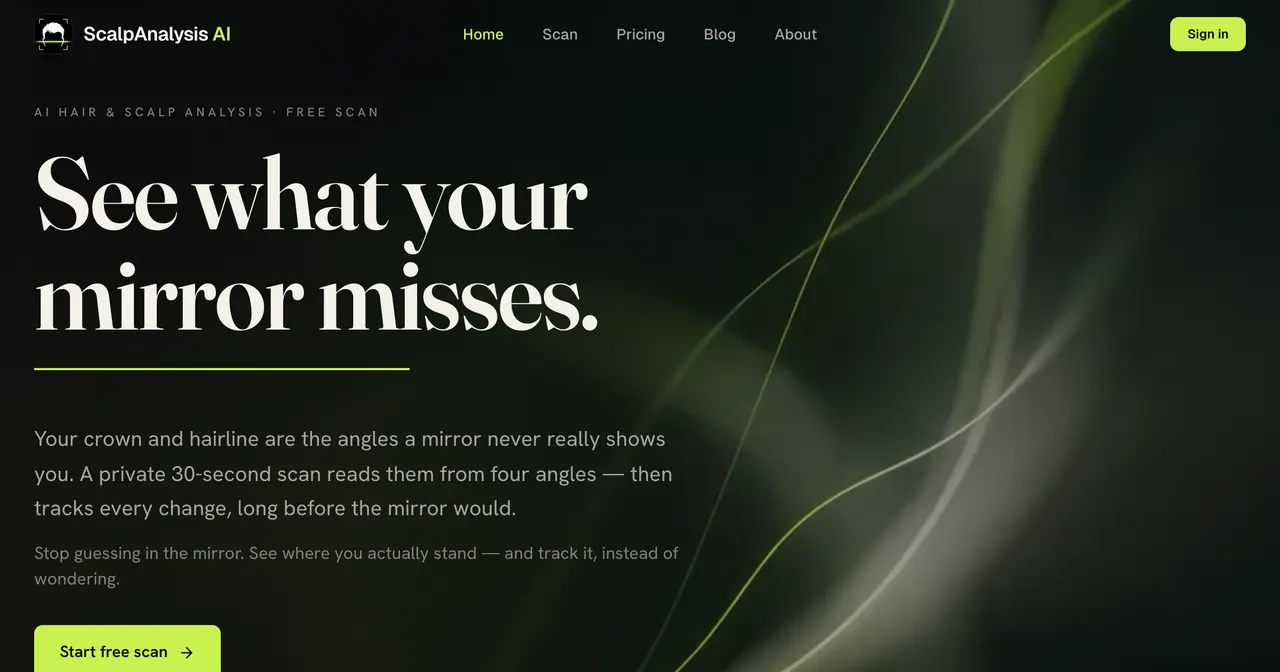
What does ScalpAnalysis AI do?
ScalpAnalysis AI provides an AI hair & scalp analysis using four guided photos: front (hairline), top (crown), side (temples), and back. The scan produces a private report you can save as your baseline so you can compare future scans and see what actually changes.
Your report focuses on appearance-based details like hairline and part, density (including type/texture/shine), and a scalp health score you can track over time. It also includes a Norwood scale hairline stage and an “in plain terms” reference point for today—built to help you stop guessing from the mirror.
Important: the scan is informational and appearance-based, with confidence shown when lighting or visibility is limited. It isn’t a medical diagnosis, and it’s designed to help you track change rather than deliver verdicts.
(Free scan) Take your first baseline and revisit it later to see your trend.
Do I need to sign up to try ScalpAnalysis AI?
You can start with a free scan to create your baseline. Sign-in may be used to save and track your history over time.
Do I need perfect photos for the scan to work?
The scan uses guided angles, and it shows confidence when photos can’t clearly capture what it needs. Repeating scans with the same four angles helps make comparisons fair.
Is this a medical diagnosis?
No. ScalpAnalysis AI provides informational visual signals only and is not a medical device. It does not diagnose, treat, prevent, or reverse medical conditions.
How often should I scan to track changes?
Use scans to build a baseline and compare future results over time. If you want meaningful trend tracking, schedule follow-ups consistently (for example, monthly).
What do I get for free vs paid?
This listing text highlights a free scan to start your baseline. For the full breakdown of what differs between free and paid, check the Pricing page on the product site.
Are my photos used for training?
Privacy controls include that scans are handled with care, with notes like no photo training and temporary guest scans. Review the Privacy page for the specific details that apply to your account.
This listing is claimed
Own ScalpAnalysis AI? Sign in with the email used to claim it to manage this listing, or upgrade to Pro for featured-first placement and a newsletter feature.