
PixTagger
AI Stock Image Tools
PixTagger generates Getty & iStock controlled-vocabulary keywords fast, with validated CSV exports for Adobe, Shutterstock, Pond5, and more.
- Pricing
- Free
- Category
- Stock images
- Listed
- Jul 15, 2026
- Updated
- Aug 1, 2026
Promoted
 KurodyneSell the tools from your AI side projects. Listing is free.
 Sidrune AI85% off. Stable Claude API for agent developers. Pay as you go. Invoices & refunds available.
 Pixmax.aiPixmax.ai is an all-in-one AI workspace for videos, visual stories, and marketing content.
 RewindType any X/Twitter handle. Get their year back as a narrated video story. Then ask it anything.
 SEOify - Improve your SEO & rankingsBuild links to rank in Google. Improve your DR with links you can start building now.Advertise here270,000+ people visit Dang.ai every month.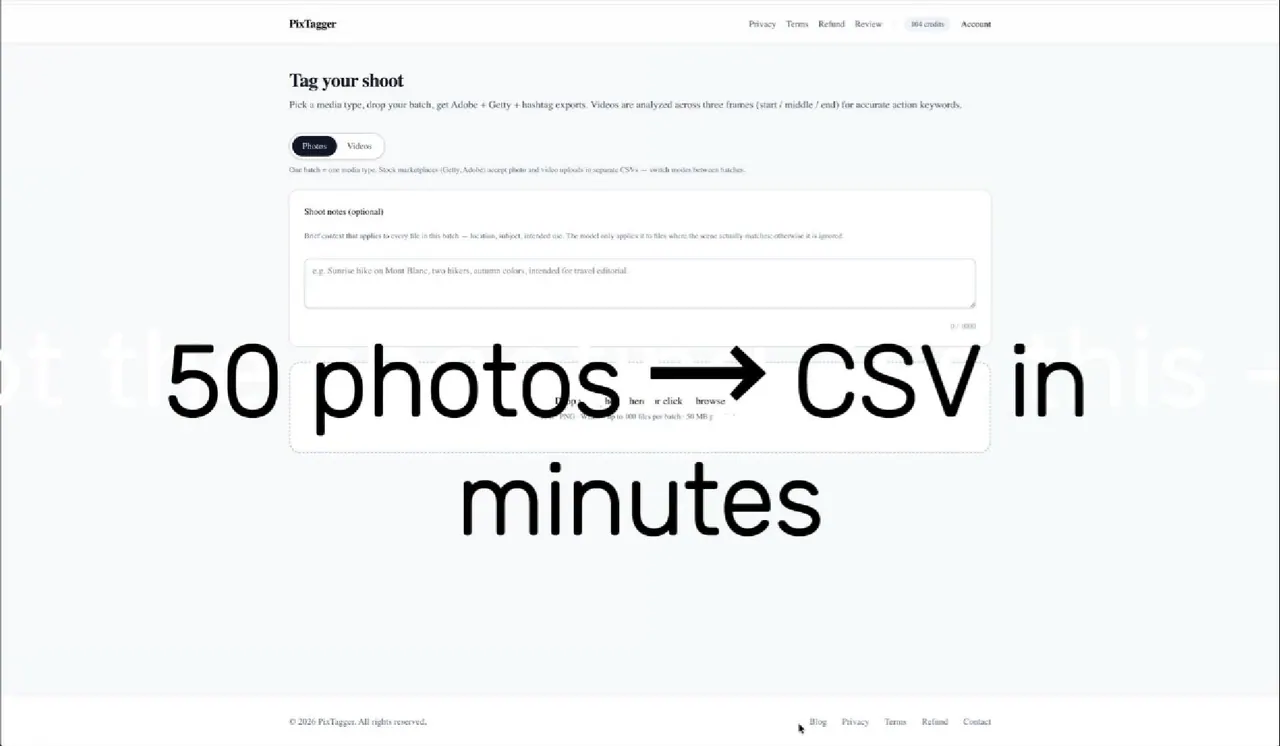
What does PixTagger do?
PixTagger is an AI keywording workflow built for stock contributors who need import-ready metadata—not just raw auto-tags. It generates Getty & iStock controlled-vocabulary keywords, plus titles and descriptions for photos and video, then helps you review and refine the results before exporting.
The AI pass is only the start: PixTagger runs 90+ automatic checks after drafting metadata, removing invented terms, resolving contradictions, and mapping keywords to Getty’s official controlled vocabulary. You can control what it uses by adding shoot notes (location, model, lighting, and more) and by declaring identity details—PixTagger won’t infer ethnicity from a face.
Exports are tailored to each marketplace. Get Getty/iStock CSVs, Adobe Stock/Shutterstock/Pond5/Dreamstime CSVs, XMP sidecars, and ready-to-paste hashtags, with video processed via multi-frame analysis (and additional sampling options for complex action). Start with a free trial that includes 15 images, then use credits (1 credit per photo; 2 per video, with Varied context adjustments) to tag your batches.
What does PixTagger generate for Getty & iStock uploads?
You get a title, a description, and a keyword list mapped to Getty’s official controlled vocabulary, ordered for strongest terms first so the output is import-ready.
How does PixTagger handle identity and ethnicity?
PixTagger won’t infer ethnicity from a face. You can select only what you can confirm in your models, and identity attributes not declared in your shoot notes are stripped from the results.
Does PixTagger automatically validate keywords for Getty controlled vocabulary?
Yes. After the initial AI draft, PixTagger applies 90+ checks and maps surviving keywords to Getty’s controlled vocabulary, trimming to the marketplace’s keyword limit for cleaner imports.
How does multi-frame video tagging work?
PixTagger reads three frames per clip (start, middle, end), compares what it sees, and merges the results into one set of keywords. For complex action, you can use an option that samples five points.
Which export formats are available?
You can export Getty/iStock CSVs (including Getty formats for ESP/DeepMeta and qHero) plus Adobe Stock, Shutterstock, Pond5, and Dreamstime CSVs. You can also download XMP sidecars (as .zip) and generate ready-to-paste hashtags.
Do I get to review and edit keywords before downloading?
Yes. Each file lands in a results table where you can remove keywords, drag to reorder them, and add your own terms before exporting. Adobe weighting of the first 10 keywords is reflected in the workflow.
This listing is claimed
Own PixTagger? Sign in with the email used to claim it to manage this listing, or upgrade to Pro for featured-first placement and a newsletter feature.