
livp.app
Photography AI Tools
Free Live Photo Converter & Maker
- Pricing
- Free
- Category
- Photography
- Listed
- Sep 21, 2026
- Updated
- Nov 1, 2026
Promoted
 Pixmax.aiPixmax.ai is an all-in-one AI workspace for videos, visual stories, and marketing content.
 AI Checker PlusAI detector that highlights which passages AI wrote. Free check, no sign-up. Plagiarism too.
 RewindType any X/Twitter handle. Get their year back as a narrated video story. Then ask it anything.
 KurodyneSell the tools from your AI side projects. Listing is free.
 Sidrune AI85% off. Stable Claude API for agent developers. Pay as you go. Invoices & refunds available.
 SEOify - Improve your SEO & rankingsBuild links to rank in Google. Improve your DR with links you can start building now.Advertise here270,000+ people visit Dang.ai every month.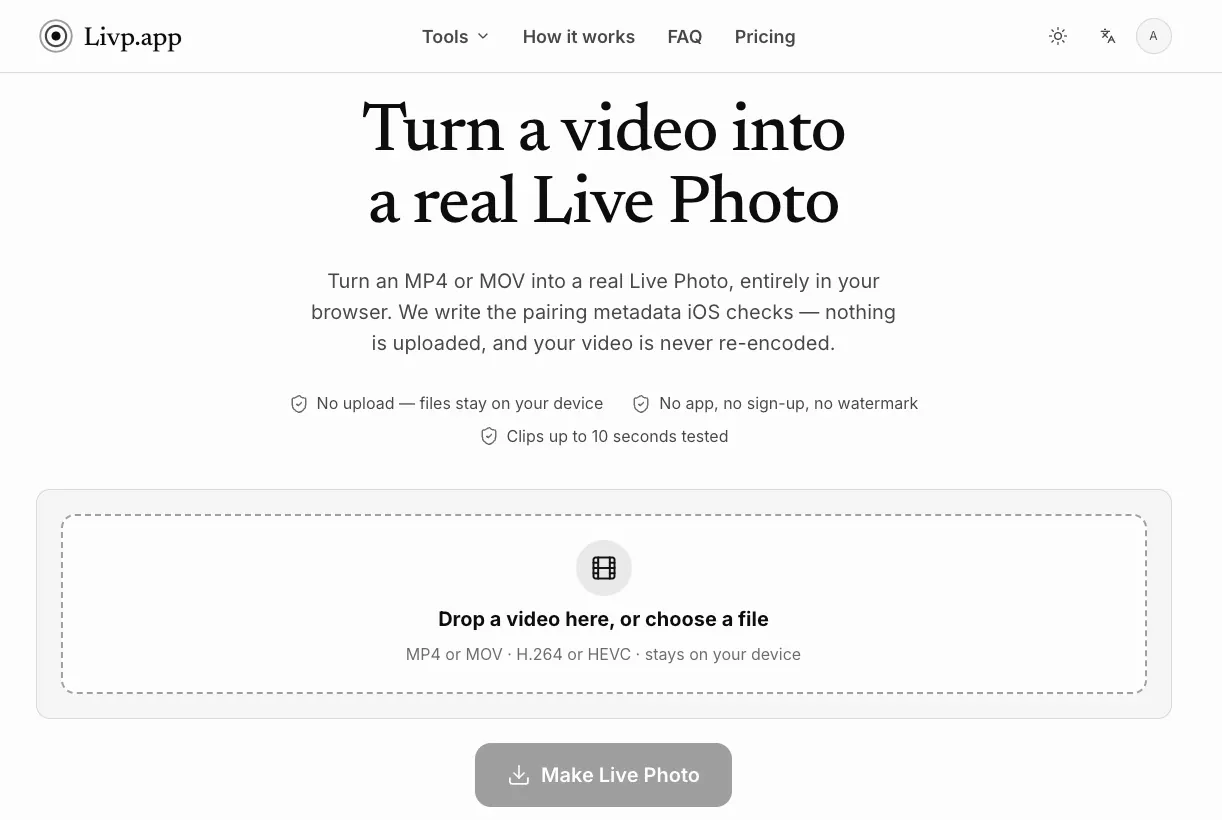
What does livp.app do?
LIVP.app is a free, browser-based Live Photo converter that transforms ordinary MP4 and MOV videos into authentic Apple Live Photos. Its defining feature is that it performs the entire conversion locally in your browser — no uploads, no accounts, and no watermarks.
What Makes It Different Most tools that claim to create "Live Photos" simply produce a GIF or a video renamed with "live" in the filename. LIVP.app takes a fundamentally different approach: it writes the exact metadata that iOS verifies before displaying the LIVE badge. A Live Photo isn't a file format at all — it's two ordinary files (a still image and a movie) linked by a shared Content Identifier stored in the still's Apple MakerNote and in the movie's own metadata. iOS pairs them on that identifier; without it, you just have two unrelated files.
Speed Through Simplicity Because MP4 and MOV are both ISOBMFF containers, no re-encoding is needed. The conversion rewrites one field in the file-type header, writes the identifier into the still's EXIF, and appends a nine-byte sample to the movie. A 2 MB clip completes in about 11 milliseconds, and picture quality stays bit-identical to the original.
How It Works The process involves three steps, none requiring an account. First, select a file — it's read locally and never transmitted. Second, pick a cover frame, dragging to choose the exact moment Photos will display. Third, download the result and import it to Photos with two taps.
Features Real Live Photos: Generates genuine pairing metadata, not imitations
Complete Privacy: All processing happens in-browser; nothing is uploaded or stored
No Re-encoding: Videos are copied byte-for-byte with metadata added
Instant Speed: Conversions finish in milliseconds
No Sign-up: Free tier provides 3 daily conversions; signing in raises this to 10
Resolution Options: Free tier caps at 1080p; membership enables 4K and removes ads
No Watermark: Clean output on every tier
Use Cases Reviving Clips as Photos: A short clip from a phone, drone, or gimbal becomes a Live Photo, living in your photo library as a moving image rather than a forgotten video.
Re-pairing Split Live Photos: When messaging apps strip pairing metadata and separate the still from the movie, LIVP.app writes a fresh identifier into both halves, restoring the LIVE badge.
Extracting Stills: Upload forms often reject HEIC files or Live Photos; pulling a plain JPEG out of the pair is faster than fighting the form.
Creating GIFs: Converting a Live Photo to GIF produces something chat apps, forums, and bug trackers will actually render — no player or plugin needed.
Limitations Safari pages cannot write directly to your photo library, so you finish with two taps: save the file, then Save to Photos. Some iOS versions require camera motion data for animated lock screens, so wallpaper setup may report "Motion not available" even though playback in Photos works normally. Only MP4 and MOV are supported — MKV, WebM, and AV1 require a real encoder, which the tool deliberately avoids shipping.
This listing is claimed
Own livp.app? Sign in with the email used to claim it to manage this listing, or upgrade to Pro for featured-first placement and a newsletter feature.