
LicensePlateBlur
AI Auto Image Tools
Blur license plates in car photos right in your browser with 100% private, client-side processing.
- Pricing
- Free
- Category
- Auto
- Listed
- Sep 10, 2026
- Updated
- Sep 11, 2026
Promoted
 Sidrune AI85% off. Stable Claude API for agent developers. Pay as you go. Invoices & refunds available.
 Pixmax.aiPixmax.ai is an all-in-one AI workspace for videos, visual stories, and marketing content.
 SEOify - Improve your SEO & rankingsBuild links to rank in Google. Improve your DR with links you can start building now.Advertise here270,000+ people visit Dang.ai every month.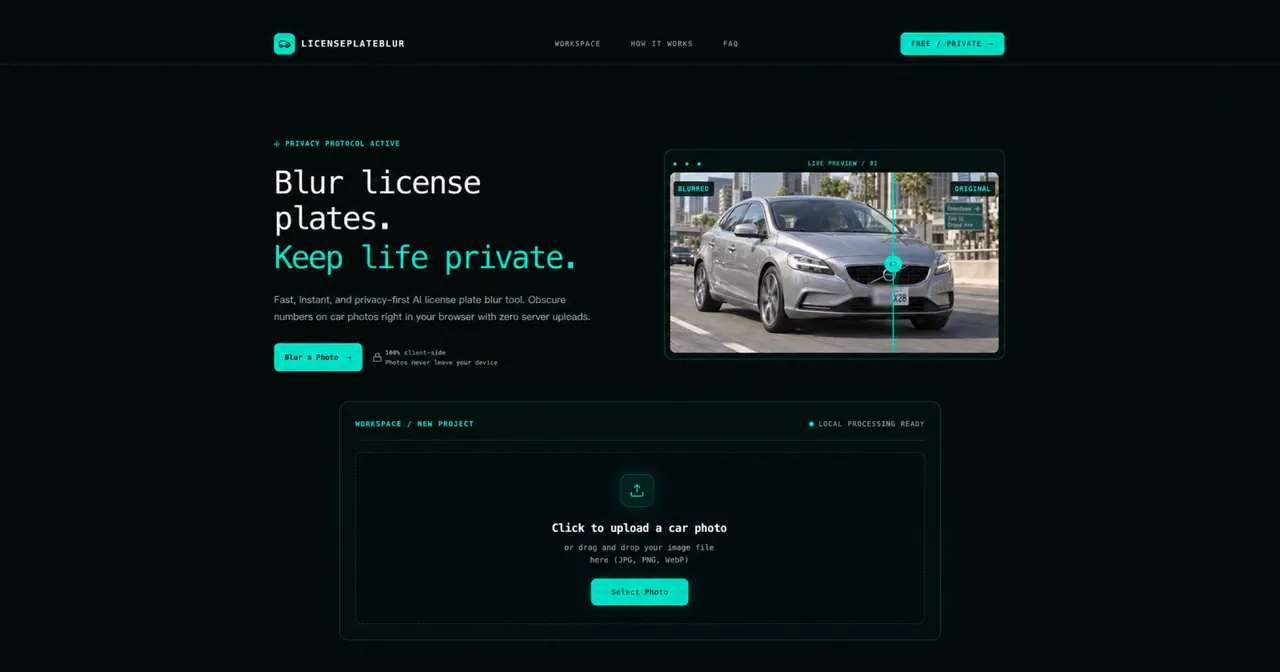
What does LicensePlateBlur do?
LicensePlateBlur is a free, privacy-first web tool for blurring vehicle license plates in your photos. It lets you manually select a plate area and apply a blur style so the characters become unreadable before you share or publish.
Your image editing runs locally in your browser, so photos never need to be uploaded to a remote server. That means you can keep sensitive car details on your device while still getting a clean, usable result.
Use it in three steps: upload a car photo (JPG, PNG, or WebP), select the plate area and choose a masking style (mosaic, smooth blur, or black cover), then inspect and download your edited image when it looks right.
Does LicensePlateBlur upload my photos to a server?
No—processing happens in your browser, and photos never leave your device.
What file types can I blur with LicensePlateBlur?
You can upload JPG, PNG, or WebP images.
How do I blur a license plate area in a photo?
Upload your image, drag to select the license plate on the car, choose a blur style (mosaic, smooth blur, or black cover), then apply it and download the result.
What’s the difference between blur and a solid cover?
Blur effects diffuse the characters while keeping the photo looking more natural, while a solid cover blocks the plate with an opaque element for maximum concealment.
Do I need an account to use LicensePlateBlur?
No account creation is required to use the tool.
Is it legal to blur license plates in photos?
Yes—blurring plates in photographs you share online is generally encouraged for privacy and safety, even though plates must be visible when driving in person.
This listing is claimed
Own LicensePlateBlur? Sign in with the email used to claim it to manage this listing, or upgrade to Pro for featured-first placement and a newsletter feature.