
Google Photos
Photography AI Tools
Google Photos is a cloud photo app with AI editing, smart organization, and powerful search, plus automatic backup and easy sharing.
- Category
- Photography
- Listed
- Nov 26, 2026
- Updated
- Nov 26, 2026
Promoted
 MuzieCreate professional AI music videos starring you. Bring a song or make one, done in minutes.
 AI Checker PlusAI detector that highlights which passages AI wrote. Free check, no sign-up. Plagiarism too.
 Pixmax.aiPixmax.ai is an all-in-one AI workspace for videos, visual stories, and marketing content.
 SEOify - Improve your SEO & rankingsBuild links to rank in Google. Improve your DR with links you can start building now.Advertise here330,000+ people visit Dang.ai every month.
What does Google Photos do?
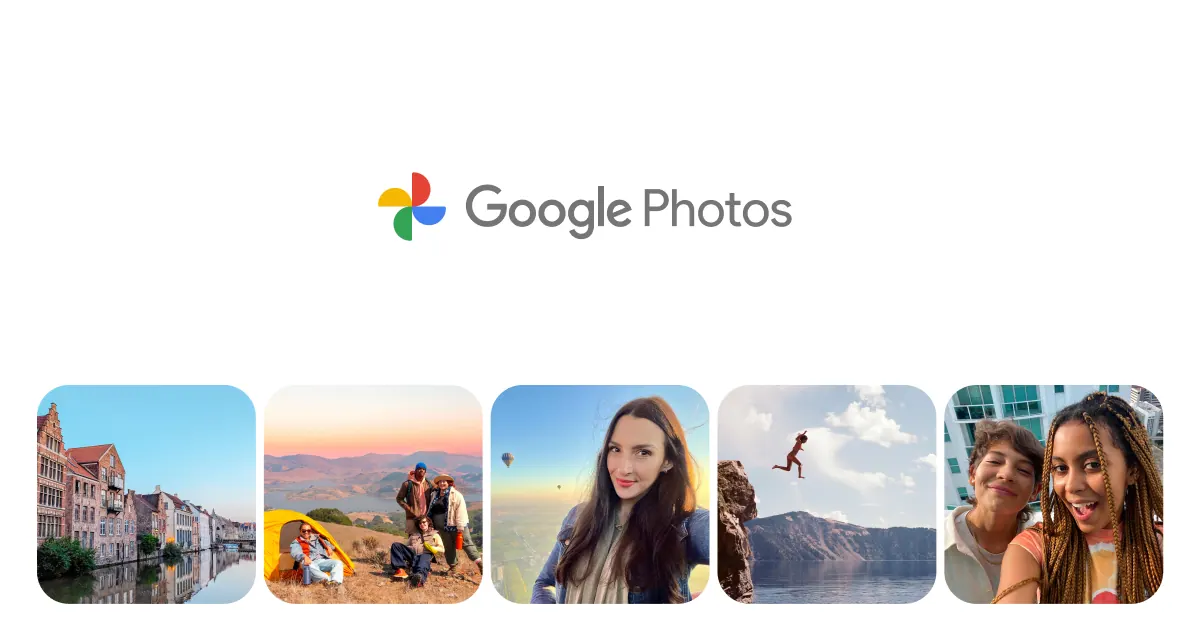
Google Photos helps you edit, organize, and quickly find the photos and videos that matter. It includes AI-powered tools to enhance your images, including Magic Eraser to remove distractions and Photo Unblur to improve blurry photos. You can also create new things using features like Remix, video creation, and collage-style sharing.
Keeping your library organized is a core part of the experience. Photos and related items are automatically arranged with AI support, including grouping similar images with Photo Stacks and sorting documents into albums such as screenshots, receipts, and notes. You can revisit curated “top shots” and share highlight-worthy moments with the people who were there.
Finding memories is designed to be fast and natural. Search supports looking up photos by people, places, and themes, and you can name people or pets shown in photos to make your searches more precise.
For backup and storage, Google Photos includes 15 GB of storage with every Google Account, shared across Google Photos, Gmail, and Google Drive, at no cost. Turn on automatic backup to save your photos and videos to your Google Account, and upgrade to Google One for more storage when you need it.
How much storage do I get with Google Photos?
Google Photos includes 15 GB of storage for your Google Account, shared across Google Photos, Gmail, and Google Drive. If you need more space, upgrades are available through Google One.
Can I turn on automatic backup for my photos and videos?
Yes. Turn on backup to automatically save your photos and videos to your Google Account. You can also enable it during setup or in Photos settings.
What AI photo editing features are available in Google Photos?
You can use AI tools like Magic Eraser to remove distractions and Photo Unblur to improve blurry photos. These editing features are available in the Google Photos app.
How does photo search work?
You can search for memories using people, places, and themes. Naming people or pets shown in photos can help you find results more easily.
How can I share photos or albums with people who don’t use Google Photos?
You can share photos, videos, and albums with your contacts even if they don’t use Google Photos, including sharing via everyday apps and shared options like links and shared albums.
Can I delete or export my photos from Google Photos?
Yes. Everything you add to Google Photos belongs to you, and you can delete or export your content when you want to move on.
Is this your tool?
Claim Google Photos to manage this listing, or upgrade to Pro for featured-first placement and a newsletter feature.