
Check Domain
Verified
AI Domain Finding Tools
Search multiple domain extensions at once to compare availability, WHOIS/RDAP details, and registration vs renewal prices.

- Category
- Domains
- Listed
- Aug 27, 2026
- Updated
- Aug 27, 2026
Promoted
 RewindType any X/Twitter handle. Get their year back as a narrated video story. Then ask it anything.
 KurodyneSell the tools from your AI side projects. Listing is free.
 Sidrune AI85% off. Stable Claude API for agent developers. Pay as you go. Invoices & refunds available.
 Pixmax.aiPixmax.ai is an all-in-one AI workspace for videos, visual stories, and marketing content.
 SEOify - Improve your SEO & rankingsBuild links to rank in Google. Improve your DR with links you can start building now.Advertise here270,000+ people visit Dang.ai every month.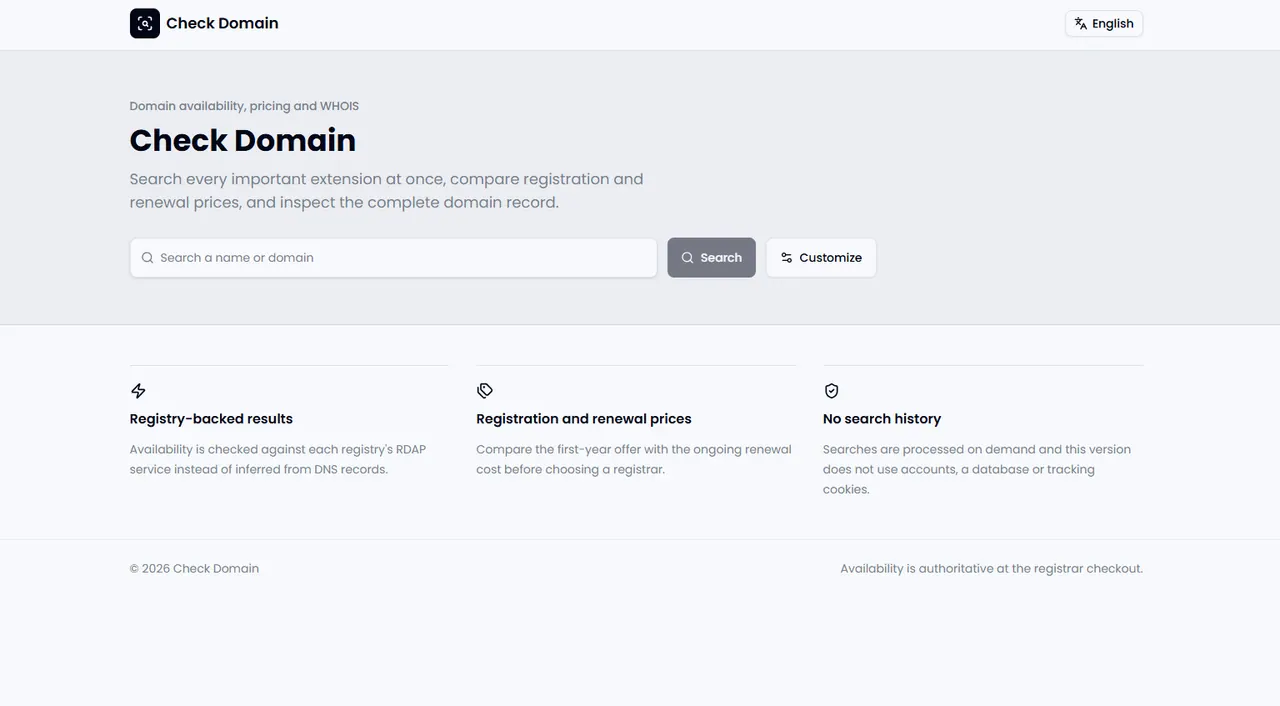
What does Check Domain do?
Check Domain helps you research a domain name beyond basic “is it available?” checks. Enter a brand idea (like northstar) or a full domain (like northstar.com), then include the top-level domains you want to compare in a single pass.
Results are powered by registry-backed RDAP lookups for supported TLDs, so availability doesn’t rely only on DNS-based inference. You can see whether domains are available, registered, or for sale, and then inspect the associated domain record details when ownership information is available.
Check Domain also pairs registration and renewal prices in the same view. This makes it easier to compare the real long-term cost when choosing a registrar, rather than focusing only on a first-year offer. No account is required, and searches are processed on demand without saving search history or using tracking cookies.
How do I check domain availability?
Enter a brand idea or full domain, select the TLDs you want included, and review the results for available, registered, for-sale, or needing confirmation statuses.
Can I check all domain extensions at once?
You can search multiple extensions in the first pass by choosing the top-level domains you want included for that search, then comparing results together.
Is a domain guaranteed when it shows as available?
Availability is intended to be authoritative at registrar checkout. Use the checkout step to confirm before paying.
Why does a DNS-based domain search differ from a registry-backed result?
DNS-only checks can be misleading because they infer status from DNS behavior. Check Domain uses registry-backed RDAP services for supported TLDs to provide more reliable availability signals.
What does a WHOIS lookup include for a registered domain?
When available, the domain record view can include registrar details, important dates, nameservers, and registry source information from the public record returned for that domain.
Does Check Domain save my searches?
No. Searches are processed on demand without requiring an account, and this version does not save search history or use tracking cookies.
This listing is claimed
Own Check Domain? Sign in with the email used to claim it to manage this listing, or upgrade to Pro for featured-first placement and a newsletter feature.