ArtDo
Photography AI Tools
Edit photos with AI prompts—enhance, remove objects, replace backgrounds, colorize, upscale, and download results in your browser.
- Pricing
- Free
- Category
- Photography
- Listed
- Oct 2, 2026
- Updated
- Oct 3, 2026
Promoted
 Pixmax.aiPixmax.ai is an all-in-one AI workspace for videos, visual stories, and marketing content.
 Sidrune AI85% off. Stable Claude API for agent developers. Pay as you go. Invoices & refunds available.
 SEOify - Improve your SEO & rankingsBuild links to rank in Google. Improve your DR with links you can start building now.Advertise here270,000+ people visit Dang.ai every month.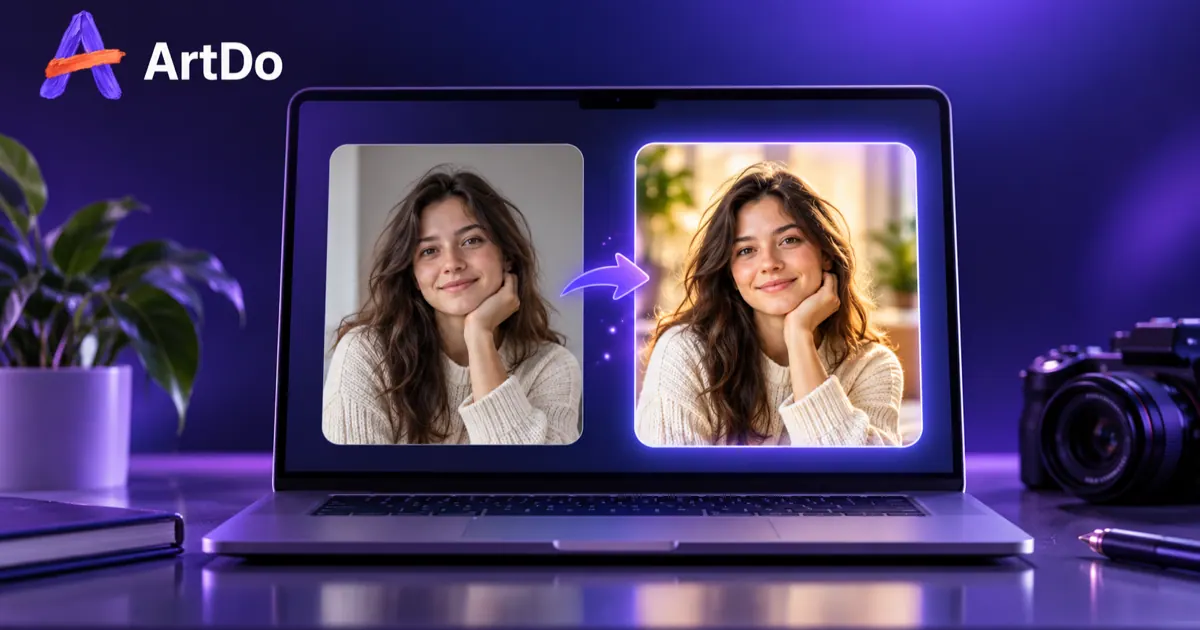
What does ArtDo do?
ArtDo is an online AI photo editor that lets you transform your images using prompt-based controls—without a complicated workflow. Upload a photo, describe the change you want in plain language, choose a model and settings, then generate a result you can review before downloading.
Use ArtDo for common editing tasks like removing distractions or unwanted objects, changing or replacing backgrounds, sharpening and enhancing clarity and detail, and reducing blur or noise. You can also explore creative style directions by turning scenes into different looks and transformations.
ArtDo runs in your browser. You can upload supported image formats (JPG, PNG, WebP) up to 24 MB per file, generate variations, and refine prompts until the output matches what you want—then download the finished image.
Do I need to sign up to use ArtDo?
You can start as a guest without signing up. Free credits and the cost of each generation are shown in the product.
What kinds of edits can I make with ArtDo?
You can enhance photos (clarity, lighting, color, fine detail), remove objects and distractions, replace photo backgrounds, colorize older photos, upscale images, and explore prompt-driven style transformations.
What file formats and upload limits does ArtDo support?
ArtDo supports JPG, PNG, and WebP files. Each file can be up to 24 MB.
How do I get the best result before downloading?
Generate an image, review it in the editor, and refine your prompt if needed. Check key details (like textures, edges, and lighting) before downloading.
Can I compare edits while adjusting settings or variations?
Yes. You can drag left or right to compare images, and use arrow keys for fine adjustments.
What models are available in ArtDo?
ArtDo offers multiple AI image editor models (for example, ArtDo 1.0, GPT Image 2, Nano Banana, Seedream 5.0, and Nano Banana Pro). Pick the model that matches your edit goal.
This listing is claimed
Own ArtDo? Sign in with the email used to claim it to manage this listing, or upgrade to Pro for featured-first placement and a newsletter feature.