
AiMovieFinder
Film & Movie AI Tools
AiMovieFinder helps you identify a movie from a scene, quote, picture, song/lyrics, or clip—returning up to five ranked matches with IMDb links for verification.

- Pricing
- Free
- Category
- Film
- Listed
- Aug 15, 2026
- Updated
- Oct 18, 2026
Promoted
 Pixmax.aiPixmax.ai is an all-in-one AI workspace for videos, visual stories, and marketing content.
 AI Checker PlusAI detector that highlights which passages AI wrote. Free check, no sign-up. Plagiarism too.
 RewindType any X/Twitter handle. Get their year back as a narrated video story. Then ask it anything.
 KurodyneSell the tools from your AI side projects. Listing is free.
 Sidrune AI85% off. Stable Claude API for agent developers. Pay as you go. Invoices & refunds available.
 SEOify - Improve your SEO & rankingsBuild links to rank in Google. Improve your DR with links you can start building now.Advertise here270,000+ people visit Dang.ai every month.
What does AiMovieFinder do?
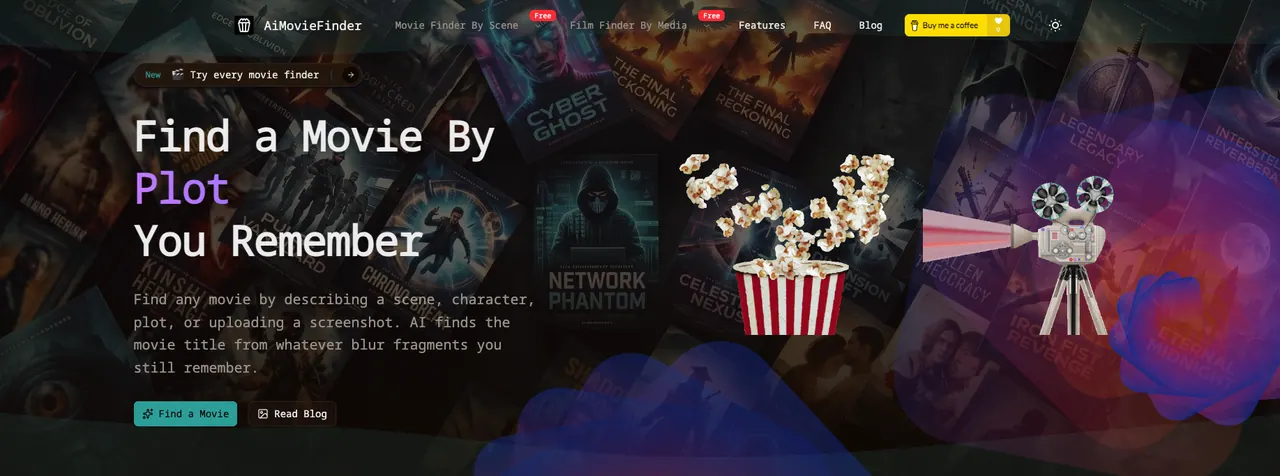
AiMovieFinder is an AI-powered movie finder for when you can’t recall a title but you remember pieces of it. Whether it’s a plot you’re describing, a line you think you heard, a character or actor, or the feeling of a specific scene, you can enter your memory in natural language and get instant suggestions.
Choose a search mode based on what you have. Find a movie by describing the plot, by entering a partial or misremembered quote, or by using an image. You can upload a screenshot, movie still, or poster crop (PNG/JPG), and the tool looks for recognizable details like faces, costumes, locations, props, and visible text. You can also search with music clues, including a song, lyric, soundtrack, score, or a music-scene moment, and you can identify films from a representative frame extracted from an MP4 clip.
Results come back as a ranked shortlist of up to five likely titles, including release years, poster art, a plot overview, and a match reason. When metadata is available, each result includes a direct IMDb verification link so you can confirm the cast and storyline.
AiMovieFinder is free to use, requires no registration, and works on both desktop and mobile.
What can I use to find a movie on AiMovieFinder?
You can search by describing the plot or a scene, entering a quote (even partial or slightly misquoted), uploading a screenshot/still/poster crop, using a song/lyric/soundtrack clue, or providing a clip frame.
How many movie matches will I get back?
You’ll see up to five candidate titles in a ranked shortlist, along with release years and match reasons to help you verify the right one.
Does AiMovieFinder work with vague or incorrect memories?
Yes. The search supports fuzzy matching for misspellings, wrong years, confused plots, and mixed-up details, and it’s designed to work even when your recollection is incomplete.
What file types can I upload for picture-based search?
Upload PNG or JPG images such as a screenshot, movie still, or poster crop. Clear, distinctive details like faces, signs, props, or costume elements improve matching.
Will I have a way to verify the results?
Yes. Each suggested title includes an IMDb verification link when metadata is available, so you can check cast and plot details.
Is AiMovieFinder free, and do I need an account?
AiMovieFinder is completely free and doesn’t require registration.
This listing is claimed
Own AiMovieFinder? Sign in with the email used to claim it to manage this listing, or upgrade to Pro for featured-first placement and a newsletter feature.