
Filmora
AI Video Editing Tool
Filmora: The Ultimate AI Video Editing Tool for Breathtaking Videos.
- Listed
- Aug 4, 2023
- Updated
- May 25, 2026
Promoted
 Sidrune AI85% off. Stable Claude API for agent developers. Pay as you go. Invoices & refunds available.
 Pixmax.aiPixmax.ai is an all-in-one AI workspace for videos, visual stories, and marketing content.
 SEOify - Improve your SEO & rankingsBuild links to rank in Google. Improve your DR with links you can start building now.Advertise here270,000+ people visit Dang.ai every month.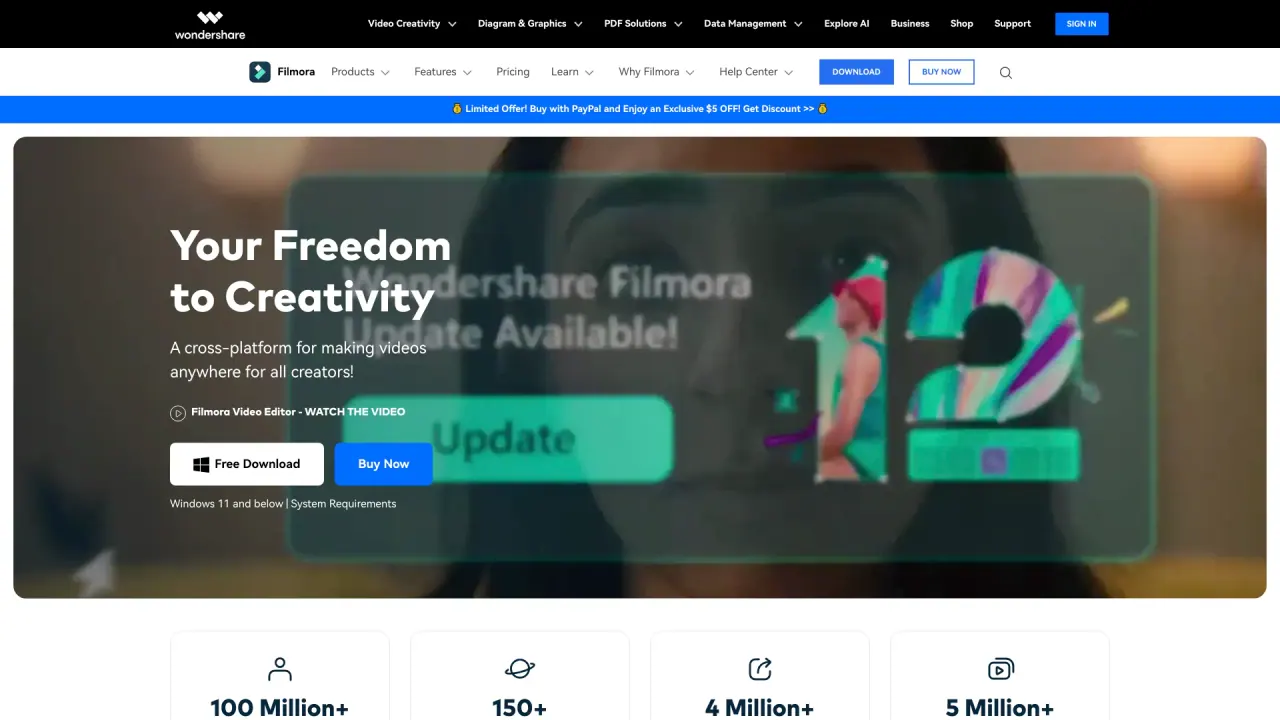
What does Filmora do?
What is Filmora and who is it for?
Filmora is a complete video editing tool designed for both beginners and professional creators. It provides an intuitive editing interface, powerful editing features, and a vast library of assets (2.9M+). Filmora is available as a desktop app (Windows and macOS) and as mobile editors (Video Editor for iOS, Android, and iPad), with AI-powered tools to speed up workflows and elevate videos.
What are the key features of the latest Filmora version?
- AI-powered video enhancements (AI Extend, AI Portrait Cutout)
- AI-driven audio tools (AI Audio Enhancer, AI Vocal Remover)
- Multi-camera editing and planar tracking
- Smart Short Clips for social-ready content
- Auto Caption and AI Video Translation
- Pen Tool for motion paths
- Animated Charts and Dynamic Captions
- Dual-Timeline Editing and Anchor & Keyframes
- Import Subprojects to combine shots from different cameras
- A vast asset library with 2.9M+ creative assets (templates, stock media, effects, music, and more)
Does Filmora include AI-powered editing tools? What are they?
Yes. Filmora includes several AI-powered tools, such as AI Extend for intelligent video enhancements, AI Portrait Cutout for subject isolation, AI Audio Enhancer and AI Vocal Remover for audio quality, Auto Caption for automatic subtitles, and AI Video Translation for multilingual videos. It also features AI-assisted motion tools like Planar Tracking.
Can Filmora be used to create social media videos? What features support this?
Absolutely. Filmora is well-suited for social media content with features like Smart Short Clips that quickly generate short, platform-ready videos, a Social Video Planner to optimize videos for different platforms, and Auto Reframe to fit various aspect ratios. It supports formats and workflows for YouTube, Instagram, TikTok, and other platforms.
What editing capabilities does Filmora offer?
- Timeline-based editing with precise control
- Dual-Timeline Editing to compare source and sequence
- Anchor points and keyframes for motion control
- Planar Tracking for advanced motion effects
- Import Subprojects to merge shots from different cameras
- Multi-camera editing
- Text and dynamic caption options
- AI-assisted tools (Extend, Portrait Cutout, Audio/Video AI features)
- A rich library of templates, effects, and other creative assets (2.9M+)
How large is Filmora's asset library and what does it include?
Filmora provides 2.9 million+ creative assets, including built-in stock media, templates, effects, music and sounds, stickers, titles, transitions, and more.
On which devices can I use Filmora?
Filmora is available on desktop for Windows and macOS, and there are mobile video editors available for iOS, Android, and iPad (Video Editor for mobile platforms).
Where can I find help and learning resources for Filmora?
Help and learning resources are available in the Help Center, including guides, tutorials, product videos, and tutorials. You can also access FAQs, tech specs, and contact options for support.
How do I download Filmora and start using it?
You can download and start using Filmora via the official site, with options to download the desktop app and access mobile versions. Look for the Get Filmora App and Try Filmora Now prompts to begin.
Is this your tool?
Claim Filmora to manage this listing, or upgrade to Pro for featured-first placement and a newsletter feature.