
AiVOOV
AI Text To Speech Converter
AiVOOV: The Ultimate AI Text-to-Speech Converter - 900+ Voices in 125+ Languages!
- Listed
- Aug 4, 2023
- Updated
- May 25, 2026
What does AiVOOV do?
What is AiVOOV?
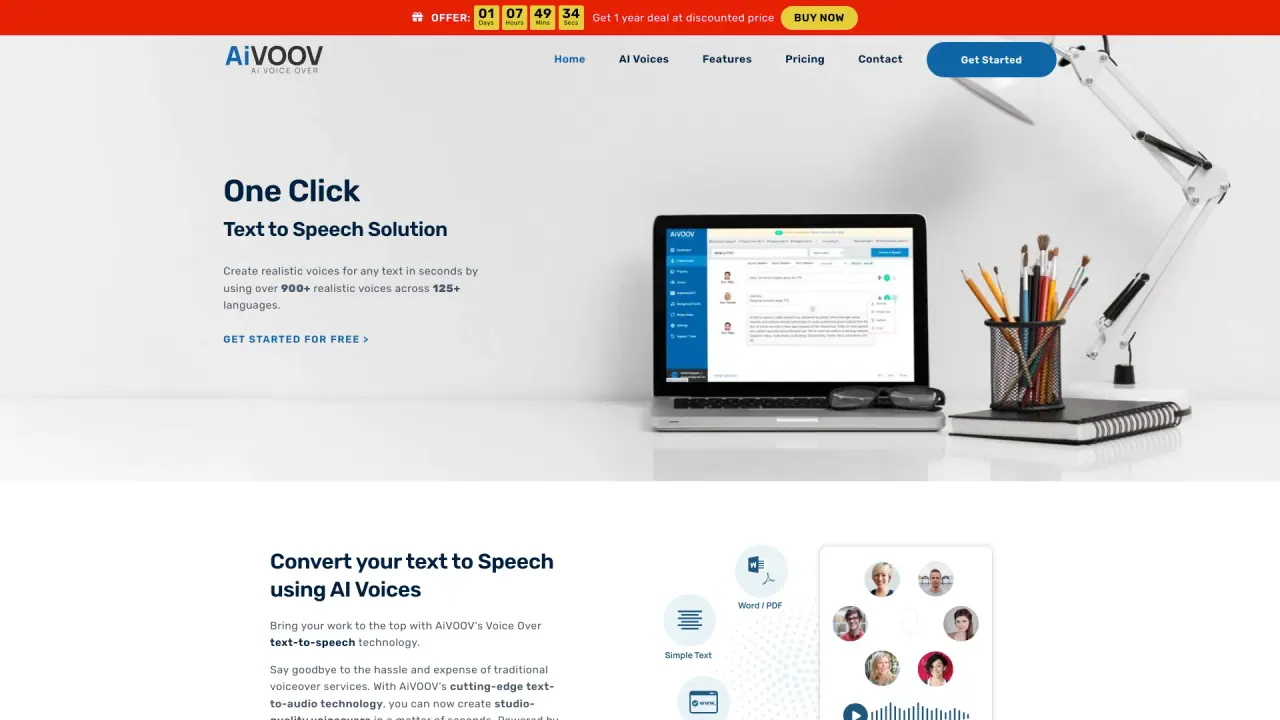
AiVOOV is an online text-to-speech platform that converts text into realistic AI voiceovers. It offers over 2300 voices across 155+ languages and accents, including standard TTS voices and Neural Text-to-Speech (NTTS) voices. It’s designed for non-technical users, with a simple workflow to generate voiceovers for videos, podcasts, e-learning, and more, and supports downloading the audio or using it directly in your projects. It also provides integrations with various platforms.
Do I need technical skills to use AiVOOV?
No. AiVOOV is designed for non-technical users. Just type your script, choose a language and voice, customize with pauses or tone, and generate. You can then download the audio or use it in your project.
Can I use AiVOOV for commercial projects?
Yes. AiVOOV can be used for commercial purposes, including marketing content and other professional uses.
How many voices and languages does AiVOOV support?
AiVOOV supports over 2300 voices across 155+ languages and accents. It includes both standard TTS voices and Neural Text-to-Speech (NTTS) voices for higher quality speech.
Is there a difference between standard voices and NTTS voices?
Yes. AiVOOV offers both standard TTS voices and Neural Text-to-Speech (NTTS) voices, with NTTS providing higher realism and naturalness.
What are the main features of AiVOOV for text-to-speech?
Key features include:
- One-click text-to-speech generation
- Manage projects
- Merge audio files
- Generate subtitles (SRT)
- Background voice with fade in/out and loop
- Access to 2300+ voices across 155+ languages
- Integrations with WordPress, Chrome Extension, Text to Speech API, Zapier, Pabbly, Canva, Adobe Express, and Voiceover Bot
How does AiVOOV work?
Just type your script, pick a language and voice, customize with pauses or tone, and click generate. In seconds, your AI-powered voiceover is ready to download or use in your projects.
Can AiVOOV generate subtitles (SRT) for videos?
Yes. AiVOOV can generate SRT subtitle files for your videos.
What integrations are available?
AiVOOV integrates with WordPress Plugin, Chrome Extension, Text to Speech API, Zapier, Pabbly, Canva, Canva, Adobe Express, and the Voiceover Bot.
What are common use cases for AiVOOV?
Common use cases include Audio Articles, YouTube Videos, IVR Systems, Marketing Content, IoT, Podcast, and E-Learning.
Is AiVOOV browser-based or do I need to install software?
AiVOOV is an online, browser-based voice generator. You sign up to use it, and there are optional integrations (e.g., WordPress plugin, Chrome extension).
Is AiVOOV free to get started?
Yes. You can sign up for free and start generating voiceovers. Pricing details are available on the Pricing page.
Where can I read AiVOOV's policies?
Policies are available in the footer: Privacy Policy, Cookies Policy, Cancellation & Refund Policy, GDPR, and Terms & Conditions.
Do AiVOOV cookies affect my data privacy?
AiVOOV uses cookies to provide necessary website functionality, improve your experience, and analyze traffic. By using the site, you agree to the Privacy Policy (details are in the Cookies Policy).
Is this your tool?
Claim AiVOOV to manage this listing, or upgrade to Pro for featured-first placement and a newsletter feature.