AI Avatar Art
AI Talking Video Generator
Transform photos & videos into realistic talking AI avatars instantly with AI Avatar Art.
Promoted
 Pixmax.aiPixmax.ai is an all-in-one AI workspace for videos, visual stories, and marketing content.
 RewindType any X/Twitter handle. Get their year back as a narrated video story. Then ask it anything.
 KurodyneSell the tools from your AI side projects. Listing is free.
 Sidrune AI85% off. Stable Claude API for agent developers. Pay as you go. Invoices & refunds available.
 SEOify - Improve your SEO & rankingsBuild links to rank in Google. Improve your DR with links you can start building now.Advertise here270,000+ people visit Dang.ai every month.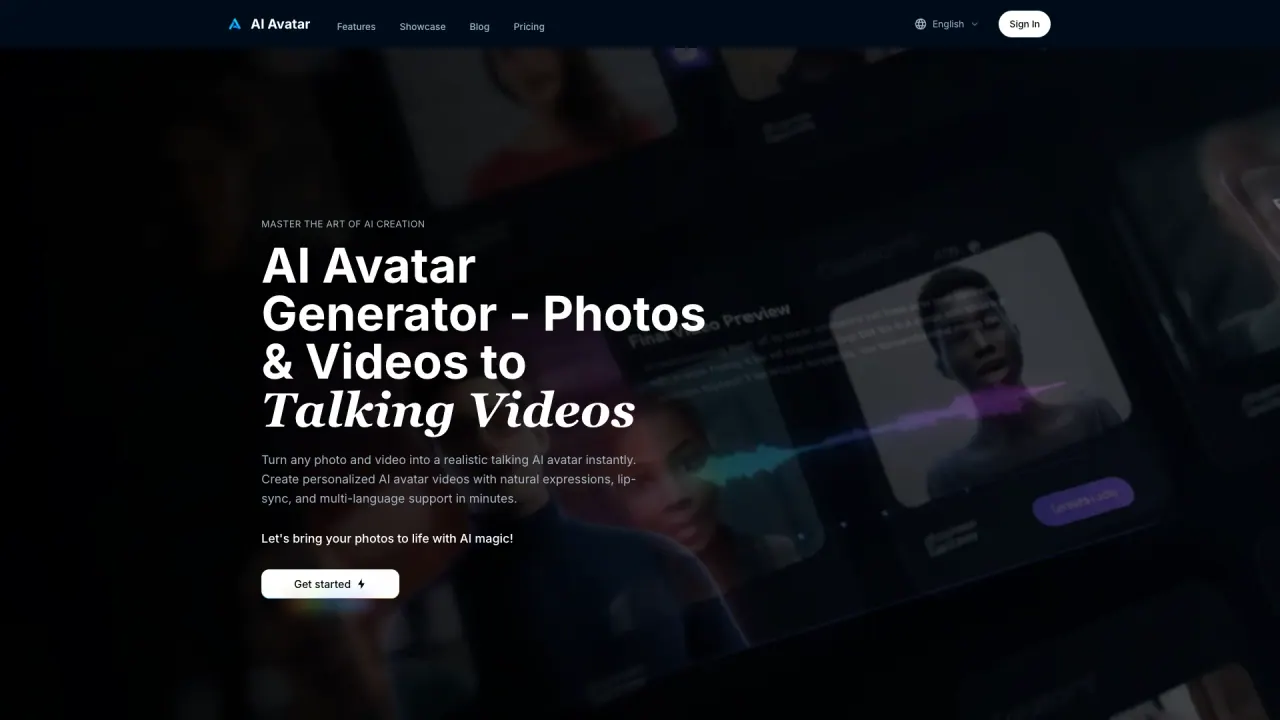
What does AI Avatar Art do?
How does AI Avatar Art's AI Avatar Generator work to create speaking videos?
The AI Avatar Generator analyzes uploaded photos using deep learning face analysis to capture facial features and expressions. Neural speech synthesis converts your text into natural-sounding speech, and a real-time lip-sync engine maps phonemes to mouth movements to produce lifelike talking AI avatars.
What media formats can I upload to create my AI avatar?
You can upload either a photo or a video to create your AI avatar. Supported media formats are: Images: JPG, PNG; Videos: MP4, MOV, AVI.
How many languages does the AI Avatar support and how does it handle pronunciation?
The AI Avatar supports 40+ languages, with native pronunciation and cultural expressions to suit global audiences.
Can I try AI Avatar Art for free?
Yes. New users can try the video upload feature to create AI avatars for free, or use the Avatar Community in the Generate Video step.
What are the pricing options for AI Avatar Art?
Pricing includes three plans:
- Get Pro: 700 credits per month for $35, includes Realistic Lip-Sync Technology, Custom AI Avatar Creation, Professional Text-to-Speech, Multi-Language AI Avatar Support, Image & Video Reference Support, 1080p Video Resolution, Commercial License, credits never expire, cancel anytime.
- Get Hobby: 400 credits per month for $21, includes the same features as Get Pro.
- Get Pro Max: 1500 credits per month for $70, includes the same features plus Priority Support, credits never expire, cancel anytime.
All plans provide the same core capabilities and a commercial license.
Do AI Avatar videos come with a commercial license?
Yes. All plans include a commercial license for videos generated from your content.
How long does it take to generate an AI avatar video?
Typically 2-5 minutes, with an average around 3 minutes, depending on script length and output quality settings.
What are the main use cases for AI Avatar videos?
- Corporate Training: scalable, consistent training modules; onboarding and compliance content can be updated by editing text.
- Social Media Marketing: cost-effective, engaging video ads and brand ambassadors for platforms like TikTok and Instagram.
- Professional Presence: photorealistic business portraits and compelling video introductions for portfolios and LinkedIn.
- Global Customer Support: 24/7 AI agents for helpdesk videos, tutorials, and FAQs in multiple languages.
- Educational Content & E-Learning: interactive course content that enhances learning and retention.
- AI Avatar Gallery: templates and examples for Daily News, Event Invitations, Fan Updates, Fitness Coach, Book Reviews, Virtual Tours, and more.
Can I upload a video (not just a photo) to create an avatar?
Yes. You can upload either a photo or a video to create your AI avatar.
Can I customize my AI avatar's appearance, voice, and background?
Yes. The platform offers AI Avatar Customization to adjust appearance, voice tone, speaking speed, and background settings. It also automatically optimizes images and videos for high-quality output while preserving the original aspect ratio.
Can I upload my own audio or clone a voice for my AI avatar?
Yes. The platform supports voice cloning and custom audio options, including text-to-speech in 40+ languages and the option to upload your own audio files (MP3, WAV). The lip-sync is designed to align with the chosen voice for natural results.
Are there any restrictions on usage or licensing beyond the commercial license?
All plans include a commercial license for videos generated from your personal images, as indicated in the plan features. For specific terms beyond this, please refer to the Terms of Service.
This listing is claimed
Own AI Avatar Art? Sign in with the email used to claim it to manage this listing, or upgrade to Pro for featured-first placement and a newsletter feature.