
Alloy
Verified
AI Prototyping Tool
AI Prototyping for Product Managers
Promoted
 AI Checker PlusAI detector that highlights which passages AI wrote. Free check, no sign-up. Plagiarism too.
 RewindType any X/Twitter handle. Get their year back as a narrated video story. Then ask it anything.
 KurodyneSell the tools from your AI side projects. Listing is free.
 Sidrune AI85% off. Stable Claude API for agent developers. Pay as you go. Invoices & refunds available.
 Pixmax.aiPixmax.ai is an all-in-one AI workspace for videos, visual stories, and marketing content.
 SEOify - Improve your SEO & rankingsBuild links to rank in Google. Improve your DR with links you can start building now.Advertise here330,000+ people visit Dang.ai every month.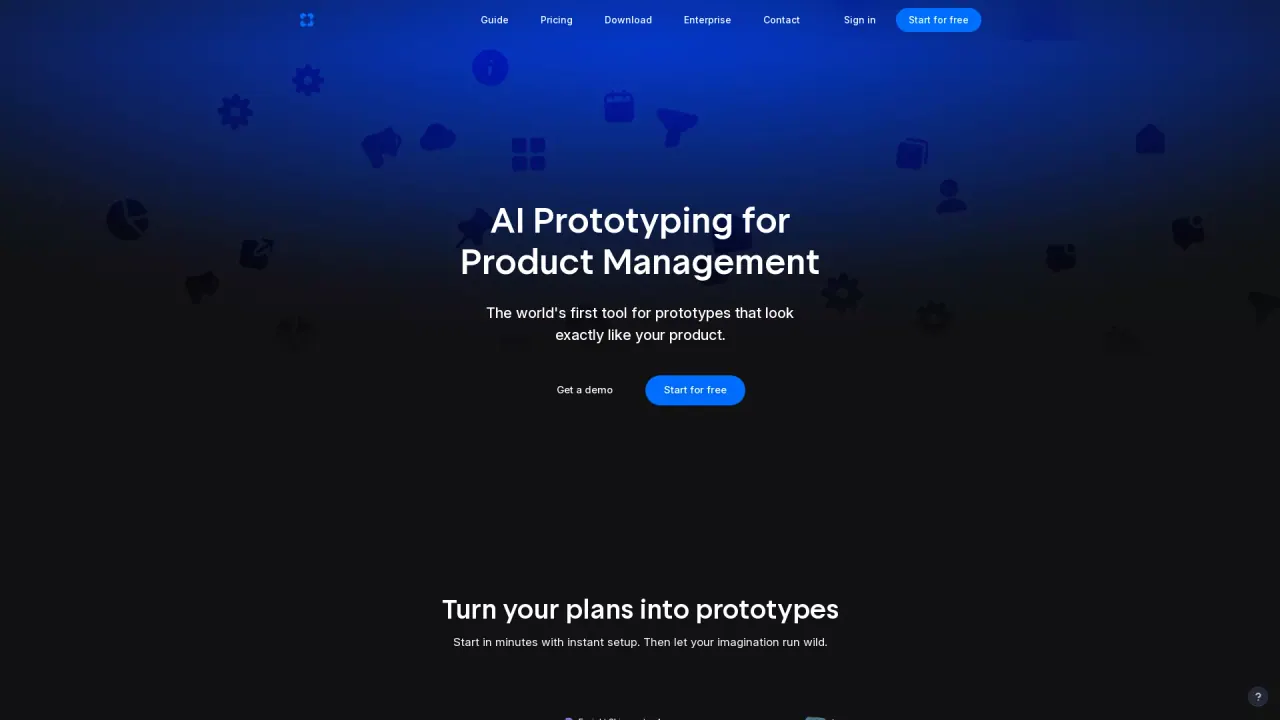
What does Alloy do?
How do I use Alloy with my product?
You can either connect your codebase or use the browser extension to capture pages. Connecting your codebase lets Alloy run your entire app and write production-ready code, while the browser extension provides instant visual prototyping by capturing pages. The browser extension requires no setup to start prototyping right away; connecting your codebase requires admin permissions and around 15 minutes of setup. All sessions live in the cloud and can be shared with your team or customers via a link. Sessions can be started from Slack, run in parallel, and changes can be pushed to GitHub. You can export a session or convert it into a Pull Request.
How is Alloy different from Claude Code?
Alloy lets anyone in your company start a session from the cloud without having to run a developer environment on their local machine. Sessions can be started from Slack, run in parallel, shared with teammates or customers, and pushed to GitHub without complex setup work.
How is Alloy different from other app builder tools?
Alloy lets you start from your existing product and write production code you can push to customers. Rather than pasting in screenshots, Alloy understands your product, component library, and design system, so what you build automatically looks like something your designer made.
Is there any setup required to start using Alloy?
The browser extension requires no setup and captures your product instantly, letting you start prototyping right away. When you're ready for more power, you can connect your codebase, which requires admin permissions and around 15 minutes of setup time.
Can I import from Figma?
Not right now, but we're working on it. For now you'll get the best results by capturing your actual web app, not Figma. You can export your Alloy prototype to Figma at any time by clicking the Figma button in the top-right of your prototype.
Does Alloy generate code that I can use, and how can I export or push changes?
Yes, every Alloy session can be exported, accessed via MCP, or converted to a Pull Request in GitHub.
How many integrations does Alloy support?
Alloy connects to over 20 integrations to bring ideas, insights, and customer requests into your workflow.
Can I share sessions with my team or customers?
Yes. Every session lives in the cloud, and you can share it instantly via a link or invite collaborators by email.
Is Alloy enterprise-ready and how is security handled?
Yes. Alloy is described as enterprise-ready and built to scale. Security is treated as a core engineering principle—every part of the platform is designed to protect your data.
What are the pricing options, and is there a free plan?
Alloy offers a free plan to start. Detailed pricing information is available in the Pricing section of the website.
This listing is claimed
Own Alloy? Sign in with the email used to claim it to manage this listing, or upgrade to Pro for featured-first placement and a newsletter feature.