
Imagifly
AI Prompt Generator
Unlock rapid AI image creation with Imagifly's customizable prompt libraries. Turbocharge your workflow with our AI Prompt Generator.
- Listed
- Jul 22, 2023
- Updated
- May 25, 2026
Promoted
 Sidrune AI85% off. Stable Claude API for agent developers. Pay as you go. Invoices & refunds available.
 Pixmax.aiPixmax.ai is an all-in-one AI workspace for videos, visual stories, and marketing content.
 SEOify - Improve your SEO & rankingsBuild links to rank in Google. Improve your DR with links you can start building now.Advertise here270,000+ people visit Dang.ai every month.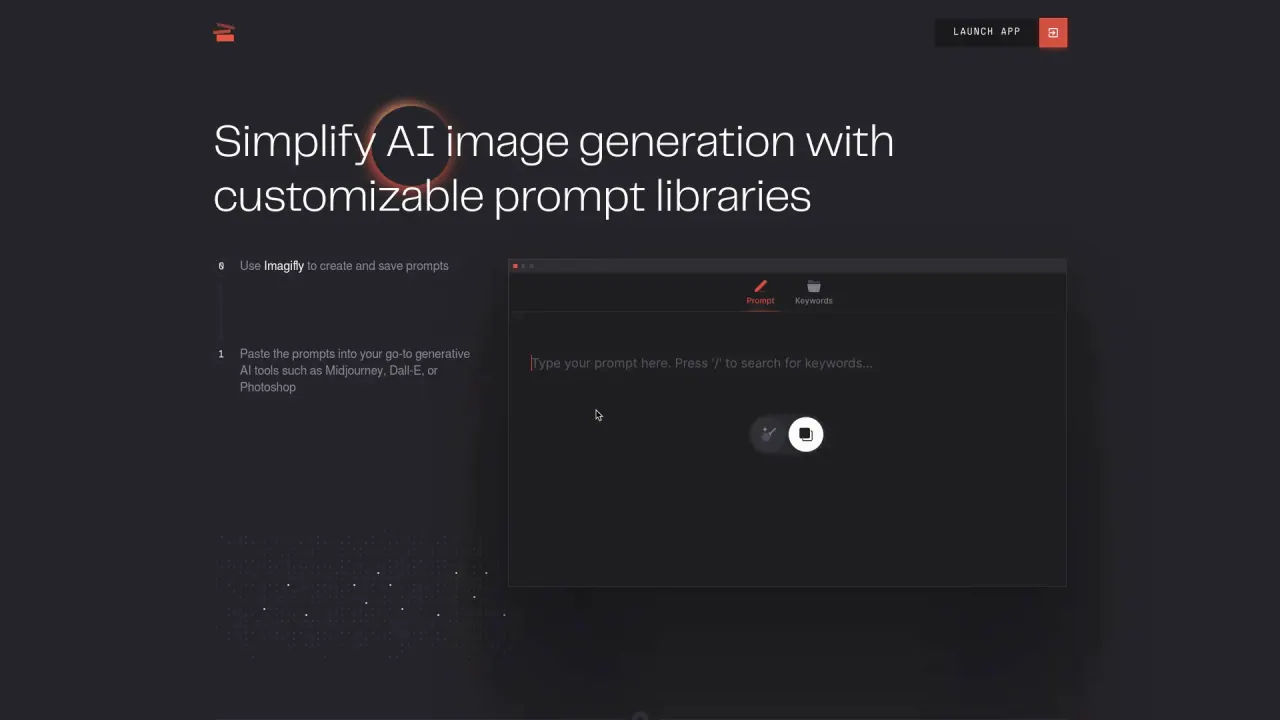
What does Imagifly do?
What is Imagifly and what does it do?
Imagifly is an AI-driven platform that simplifies AI image generation by providing customizable prompt libraries and a keyword library. It lets you create and save prompts and paste them into popular generative AI tools such as Midjourney, Dall-E, or Photoshop, enabling streamlined, consistent image creation with simplified prompting and instant access to your keyword library as you craft prompts.
How can I use Imagifly with other AI tools?
You can paste prompts created in Imagifly into your go-to generative AI tools, including Midjourney, Dall-E, and Photoshop, to generate images.
What are the main features of Imagifly?
- Create and Save Prompts
- Prompt Library to store effective prompts for reuse
- Keyword Library to organize frequently-used keywords
- Instant access to your keyword library while creating prompts
- Prompt customization through adjustable parameters (see below)
- Adjustable Parameters: size, position, orientation, and opacity of keywords
- Imagifly is in Beta and available to try for free
What are the Prompt Library and Keyword Library, and how do they work?
- Prompt Library: Save prompts that produce great images so you can access and reuse them easily.
- Keyword Library: Build an organized collection of frequently-used keywords and access them instantly when crafting prompts.
How do I start using Imagifly and access the app?
Imagifly is currently in Beta and available for free. You can sign up with your email address to start generating images and then Launch the Imagifly App to begin creating prompts.
What are the pricing options and limits?
- Free plan: Create an account and store up to five prompts and 150 keywords.
- Paid plan: $3.50 per month, with expanded storage and features.
What are the limitations or caveats of using Imagifly?
- Limited keyword combinations
- Occasional bugs typical of a Beta platform
- Variable image quality depending on the prompt and AI tool
- Some workflow presets are still in development and not yet available
How can I learn more about privacy and get help?
- The site uses cookies and has a Privacy Policy. By using Imagifly, you agree to our Privacy policy.
- For additional assistance or inquiries, you can use the site's Contact page.
Is this your tool?
Claim Imagifly to manage this listing, or upgrade to Pro for featured-first placement and a newsletter feature.