AI Product Photo
Verified
Photography AI Tools
AI PRODUCT PHOTO creates ecommerce-ready product images from a single upload using focused tools like background removal, white backgrounds, scenes, and lighting.
- Pricing
- Paid
- Category
- Photography
- Listed
- Sep 14, 2026
- Updated
- Sep 15, 2026
Promoted
 KurodyneSell the tools from your AI side projects. Listing is free.
 Sidrune AI85% off. Stable Claude API for agent developers. Pay as you go. Invoices & refunds available.
 Pixmax.aiPixmax.ai is an all-in-one AI workspace for videos, visual stories, and marketing content.
 RewindType any X/Twitter handle. Get their year back as a narrated video story. Then ask it anything.
 SEOify - Improve your SEO & rankingsBuild links to rank in Google. Improve your DR with links you can start building now.Advertise here270,000+ people visit Dang.ai every month.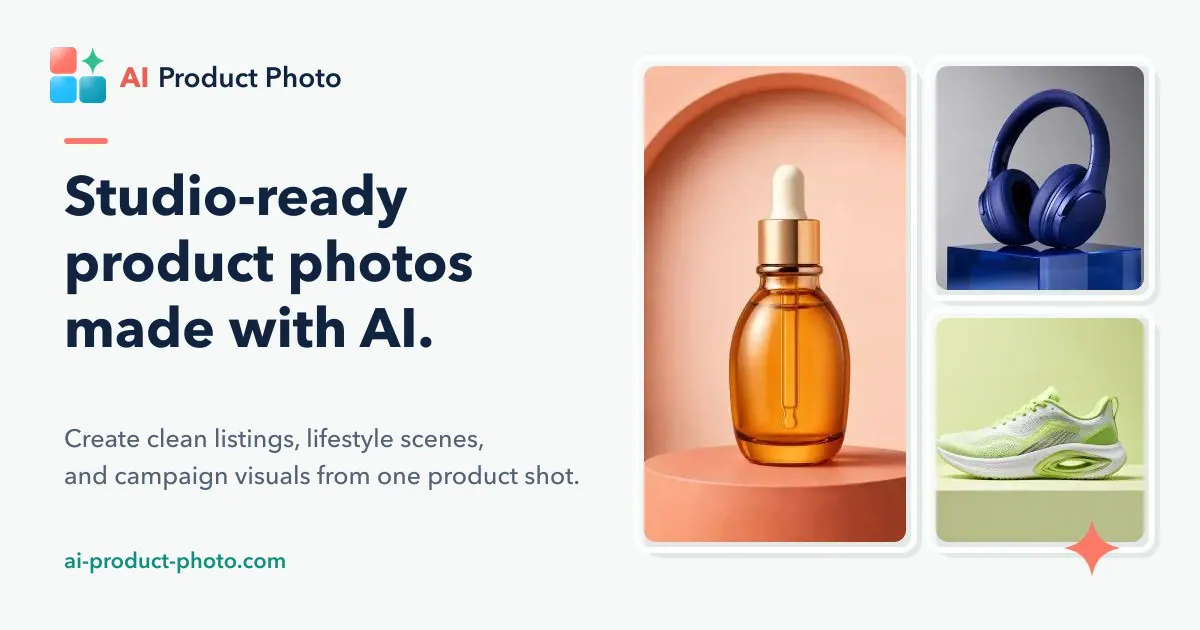
What does AI Product Photo do?
AI PRODUCT PHOTO is a curated AI product photography workspace for ecommerce sellers, brands, and creative teams. Start with one product image, then generate store-ready visuals by choosing the result you need—background removal, white-background packshots, new scenes, improved lighting, realistic shadows, and image enhancement.
Designed for the way ecommerce catalogs and listings are built, the workflow supports “from source to storefront” output. You can preview multiple creative directions from one reference image, helping you go from an imperfect source photo to a full listing-style set of main image, lifestyle scenes, infographics, studio shots, details, seasonal promos, human-use shots, and comparison frames.
When you need consistency across many SKUs, use batch workflows to run multiple prompts or apply one direction across a collection, controlling aspect ratio and resolution targets. If you want automation, AI PRODUCT PHOTO also offers API-connected workflows so product photo generation can be triggered programmatically and repeated at scale.
What can I create with AI PRODUCT PHOTO?
You can generate ecommerce product photos such as background removal (transparent PNG), white-background images, new background/scene concepts, product shadows, and lighting improvements, plus additional listing-style outputs like lifestyle and detail shots.
What type of source image should I upload for best results?
Upload a clear JPG, PNG, or WebP of the product. Stronger, more usable source images typically produce better AI product photo outputs.
Can I create a white-background product photo?
Yes—generate clean white-background product images suitable for storefronts, catalogs, and marketplace listing pages, with results intended to stay consistent across a set.
Can I remove the background as a transparent PNG?
Yes. Use background removal to export a transparent PNG, with options intended to handle everyday cutouts and more difficult edges/details.
Can I generate a new background or scene for my product?
Yes. Describe the setting you want to generate while keeping the uploaded product as the main subject, which is useful for campaign and promotional variants.
Is there a way to generate multiple product images at once?
Yes. Use the batch workspace to run multiple prompts against a reference image or apply one direction across multiple uploaded images, including controls for output aspect ratio and resolution.
This listing is claimed
Own AI Product Photo? Sign in with the email used to claim it to manage this listing, or upgrade to Pro for featured-first placement and a newsletter feature.