
ImageToTable
Verified
AI Data Extraction Tool
Extract structured data from images and PDFs into usable tables with AI OCR.
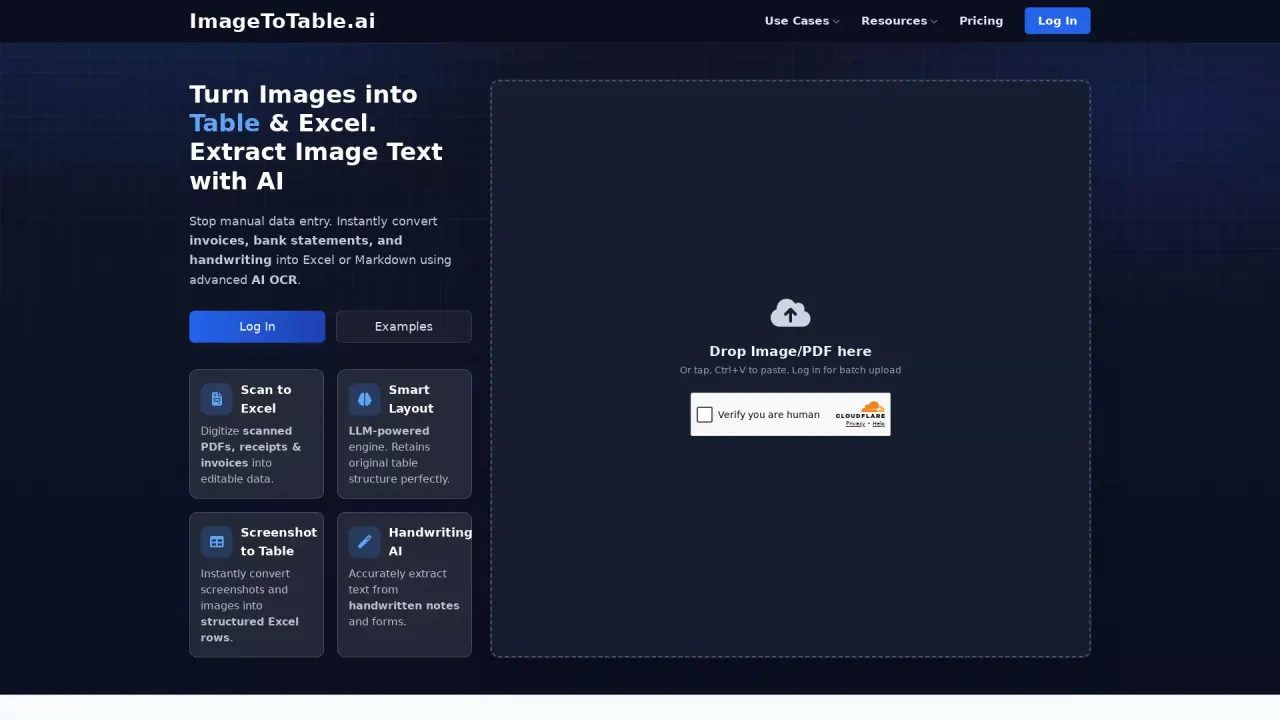
What does ImageToTable do?
Who could benefit most from ImageToTable.ai?
Finance and accounting teams, data analysts, small business owners, HR professionals, and developers can all benefit significantly. Finance teams use it to automate invoice and bank statement processing, while data analysts convert research PDFs into analyzable tables. Small business owners save hours on manual data entry, HR teams extract candidate info from resumes, and developers integrate our API to build document processing workflows for their own users.
What are some unique features of imagetotable.ai?
Unlike traditional OCR, ImageToTable.ai uses LLM-powered visual understanding to recognize complex layouts, handwritten text, checkboxes, and custom data fields. Key unique features include:
- Zero-shot extraction: Define what to extract with natural language (e.g., "Extract all transaction amounts") without templates.
- Layout reconstruction: Preserve the original table and form structure when exporting to Excel.
- Intelligent correction: Automatically fix typos and standardize dates, currency, and other data formats.
- Batch processing: Handle multiple files at once to scale document workflows.
Can a user use ImageToTable.ai for free?
Yes, we offer a free trial with a limited number of page credits so users can test core features like image-to-table conversion and basic extraction. For unlimited processing, advanced API access, and priority support, users can upgrade to one of our paid plans, which are tailored for individual users, teams, and enterprise needs.
Is this your tool?
Claim ImageToTable to manage this listing, or upgrade to Pro for featured-first placement and a newsletter feature.