
SimpleImageUpscaler
Image Upscaling AI
Upscale and enhance images online for free
- Pricing
- Freemium
- Category
- Photography
- Listed
- Jan 24, 2026
- Updated
- May 25, 2026
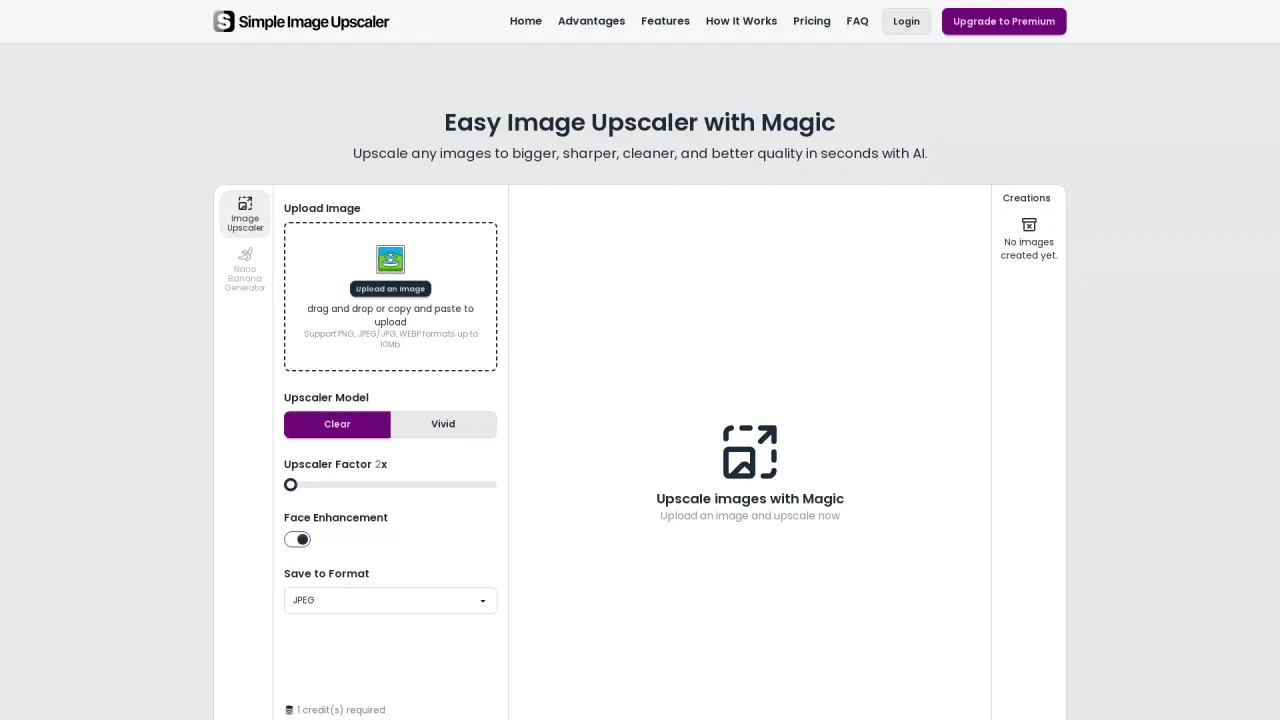
What does SimpleImageUpscaler do?
What is the main use case for Simple Image Upscaler?
Enlarging low-resolution images up to 6X while enhancing quality. The AI adds realistic details instead of blurry pixels—ideal for printing photos, restoring old images, improving product shots, or making social media content sharper.
Who is the target audience of simpleimageupscaler.com?
Content creators, e-commerce sellers, photographers, and hobbyists who need to enlarge images without losing quality. Anyone with low-resolution photos they want to print, post, or use commercially.
Can a user use Simple Image Upscaler for free?
Yes. Users get free daily credits to upscale images with no watermarks. The free tier includes full access to AI upscaling features. Paid plans are available for batch processing and higher usage needs.
What file formats does SimpleImageUpscaler support for image uploading?
SimpleImageUpscaler supports uploading image files in PNG, JPEG/JPG, and WEBP formats. These formats are widely used and ensure compatibility for most users who want to enhance their images. The tool allows file sizes of up to 10MB, which accommodates high-quality images for better upscaling results.
Are upscaled images from SimpleImageUpscaler suitable for commercial use?
Yes, all images processed and upscaled using SimpleImageUpscaler can be used commercially without any restrictions. There are no hidden fees, and images are delivered watermark-free, making them ready for professional use.
Can SimpleImageUpscaler enhance portraits and facial features?
Yes, SimpleImageUpscaler includes a face enhancement feature that automatically detects and refines facial features. This ensures that portraits have improved clarity, texture, and detail preservation, resulting in natural and high-quality image outputs for personal or professional use.
This listing is claimed
Own SimpleImageUpscaler? Sign in with the email used to claim it to manage this listing, or upgrade to Pro for featured-first placement and a newsletter feature.