
Unblur Image
AI Image Editing
Best Free Unblur Image AI Tool Online
Promoted


What does Unblur Image do?
How does Unblur Image work?
Our advanced AI technology analyzes your blurry photo and uses deep learning algorithms to restore details and enhance clarity. The process is automatic and produces high-quality results within seconds.
What types of blur can Unblur Image fix?
It can fix motion blur, out-of-focus blur, and general image softness. The tool adapts to different blur patterns for best results and performs best on moderately blurred images; extremely blurry or heavily distorted images may have limited improvement.
What image formats and size does Unblur Image support?
The tool accepts images up to 50MB in size and supports common formats like JPG and PNG. For best results, use images with at least 500x500 pixels.
Is Unblur Image free to use?
Yes. The tool is free to use and does not require registration.
Do I need to register to use Unblur Image?
No registration is required. You can start unblurring your photos right away.
How long does the unblurring process take?
Most images are processed within seconds. Processing time may vary based on image size and server load.
Can I upload multiple images at once?
Currently, the tool processes one image at a time to ensure the best possible quality for each image.
Will unblurring degrade image quality or affect resolution?
No. The AI enhances clarity while maintaining natural-looking results and original resolution as much as possible.
Can I use unblurred images commercially?
Yes. You retain all rights to your unblurred images and can use them for both personal and commercial purposes.
Can AI unblur text in images?
Yes, the AI can help improve the clarity of text in blurry images. The success rate depends on the original text size and blur severity.
Can AI unblur faces in photos?
Yes. The AI can help improve the clarity of faces, though results depend on the original image quality and blur level.
Is there any limit on the number of images I can unblur?
There is no limit to the number of images you can process with the free tool.
Which browsers are supported?
The tool works on all modern browsers, including Chrome, Firefox, Safari, and Edge.
Can I adjust the unblurring intensity?
No. The AI automatically determines the optimal level of unblurring for each image to maintain natural-looking results.
Do you store the images I upload?
We only temporarily process your images and don’t store them permanently. Your privacy and data security are a priority.
How does the AI decide what details to restore?
The AI is trained on millions of images to understand natural patterns and textures, enabling it to predict missing details in blurry areas.
Can I download the unblurred image in its original size?
Yes. You can download your unblurred image in its original resolution without any quality loss or watermarks.
How do I download the enhanced image after processing?
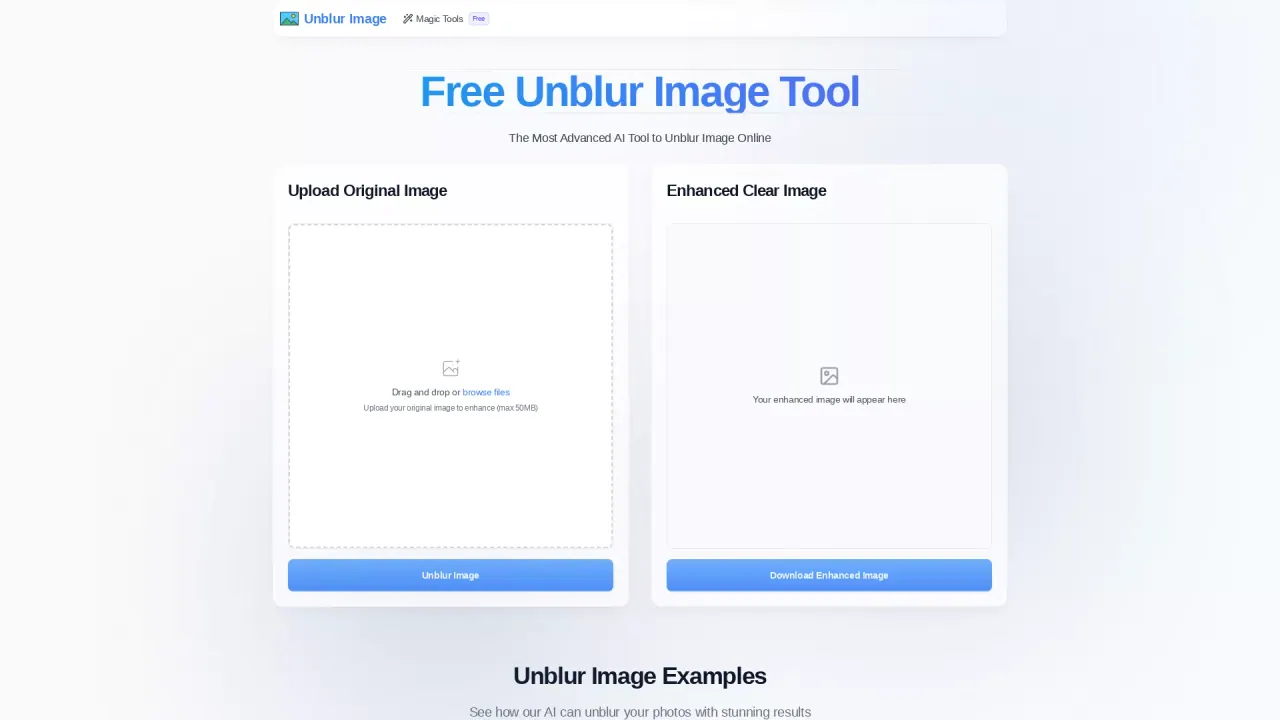
After processing, the enhanced image will appear on the page and you can download it directly.
This listing is claimed
Own Unblur Image? Sign in with the email used to claim it to manage this listing, or upgrade to Pro for featured-first placement and a newsletter feature.