ReadyData
AIPDFToExcelConverter
ReadyData converts PDFs into editable Excel files using AI to extract tables and custom fields.
Promoted
 Sidrune AI85% off. Stable Claude API for agent developers. Pay as you go. Invoices & refunds available.
 Pixmax.aiPixmax.ai is an all-in-one AI workspace for videos, visual stories, and marketing content.
 AI Checker PlusAI detector that highlights which passages AI wrote. Free check, no sign-up. Plagiarism too.
 RewindType any X/Twitter handle. Get their year back as a narrated video story. Then ask it anything.
 KurodyneSell the tools from your AI side projects. Listing is free.
 SEOify - Improve your SEO & rankingsBuild links to rank in Google. Improve your DR with links you can start building now.Advertise here270,000+ people visit Dang.ai every month.
What does ReadyData do?
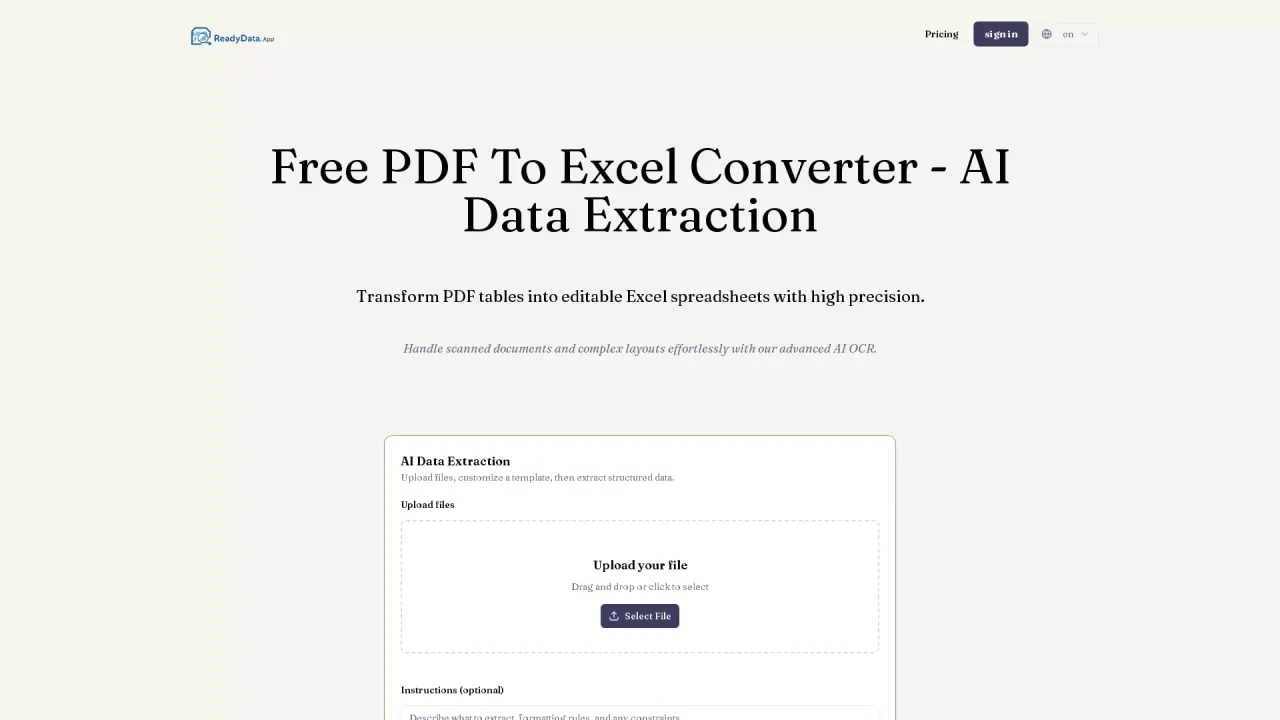
ReadyData is a PDF to Excel converter built for turning PDF content—both selectable and scanned—into spreadsheet-ready data. It extracts tables and custom fields from documents like invoices, bank statements, receipts, and reports, then presents the extracted results alongside the original for quick review.
The core workflow is simple: upload a digital or scanned PDF, choose what to extract, and export the results. You can select table extraction and describe the fields you need (for example, invoice numbers, dates, or amounts). For repeated document types, you can save your field preferences as a reusable extraction template.
ReadyData helps reduce the cleanup work that often comes from copying PDF text into spreadsheets. It organizes extracted rows, column headers, and line items so you can work with structured data rather than a messy block of pasted content. It also supports scanned documents where table values can’t be selected, and it provides an Excel workbook you can download and edit.
You can export extracted data to XLSX (Excel) or JSON. Plans are available with free use that supports 1 file (with limits shown as 0/30 · 0 credits · Free: 1 file in the interface).
What does ReadyData convert, and what do I get at the end?
ReadyData converts PDF documents into an editable spreadsheet. After processing, you can download an XLSX workbook (and you can also export to JSON).
Can ReadyData extract data from scanned PDFs?
Yes. It can extract from scanned, image-based PDFs (like scanned invoices, receipts, and statements) where table values aren’t selectable.
How do I choose which fields and table data to extract?
Select table extraction and describe the fields you need (such as invoice numbers, dates, or amounts). You can also save field preferences as a reusable template for similar documents.
Will the output keep the original table structure?
The output is organized into spreadsheet-ready rows and columns, with headers and related values kept together for review before export.
Can I export the extracted results to formats other than Excel?
Yes. You can export to Excel (XLSX) for editing and also export JSON for use in databases, automations, or workflows.
Is there a free plan?
Yes. Free use supports 1 file, with the interface showing Free: 1 file and limits for processing credits.
This listing is claimed
Own ReadyData? Sign in with the email used to claim it to manage this listing, or upgrade to Pro for featured-first placement and a newsletter feature.