
Intellyverse
AI Communication Tool
Intellyverse: Instantly communicate with AI-powered assistants. Unlimited chat access. AI Communication Tool.
- Listed
- Jul 22, 2023
- Updated
- May 25, 2026
Promoted
 Pixmax.aiPixmax.ai is an all-in-one AI workspace for videos, visual stories, and marketing content.
 Sidrune AI85% off. Stable Claude API for agent developers. Pay as you go. Invoices & refunds available.
 SEOify - Improve your SEO & rankingsBuild links to rank in Google. Improve your DR with links you can start building now.Advertise here270,000+ people visit Dang.ai every month.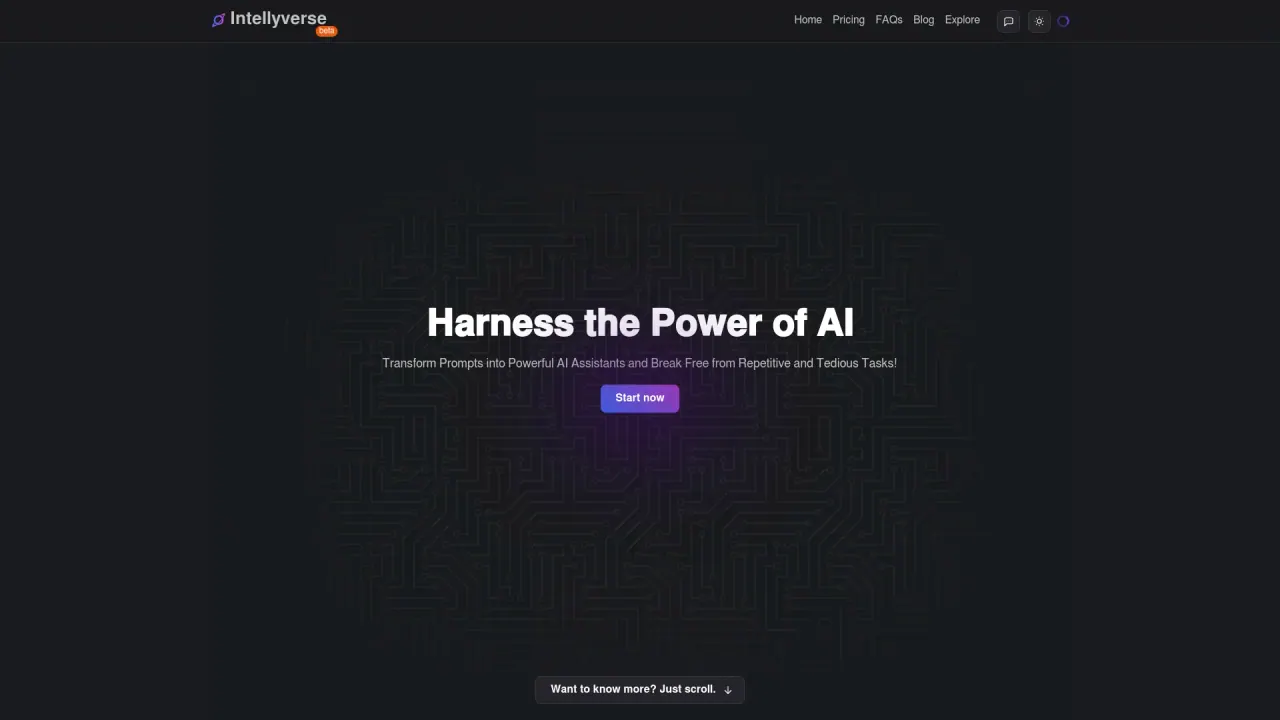
What does Intellyverse do?
What is Intellyverse?
Intellyverse is a platform that lets you transform prompts into powerful AI assistants to automate tasks and break free from repetitive work. You can create your own custom assistants for specific needs (such as post content generation, programming consulting, or personal training). You can also publish assistants publicly and share them in the community space where others can discover and share their own creations. The platform includes tools like Text Wizard and Site Analyzer, with additional features expected in the future (Video to Post, Subtitles Generator, and more).
How does Intellyverse work?
Intellyverse guides you through a simple workflow:
- Registration: Sign up via Google or email.
- Dashboard: Access a workspace to select or create AI assistants.
- Creating Assistants: Build a custom AI by defining the task, execution method, and result structure.
- Interaction: Use a chat-based interface to prompt the AI and receive responses.
- Results: AI assistants deliver outputs in a conversational format.
- Sharing and Cloning: Publish your assistants and prompts to the community and clone others’ creations.
Intellyverse is designed to streamline AI interaction and be accessible to users without technical expertise.
How do I create an assistant?
You can create a custom AI assistant by:
- Defining the task you want the assistant to perform.
- Specifying how the task should be executed.
- Outlining the structure of the expected results.
After building, you can use the chat interface to run and refine prompts, and you can choose to make the assistant public.
Can I share or clone assistants?
Yes. You can share your assistants publicly in the community space, and others can discover and use them. You can also clone assistants and prompts created by others to adapt or extend them for your needs.
What tools and features does Intellyverse offer now?
Current tools and features include:
- Text Wizard: Organize, structure, or format any text.
- Site Analyzer: Extract site data and do something with it.
- Video to Post: Generate a post from a video (coming soon).
- Subtitles Generator: Generate subtitles from a video (coming soon).
- Post to Video Script: Generate a video script from a post (coming soon).
- Business Name Generator: Generate a name for your next business (coming soon).
What plans does Intellyverse offer and how much do they cost?
- Hobby Free Forever (Free): No credit card required to sign up. Includes Limited Chat Access, Unlimited Conversations, Unlimited Assistants, Share in Social Networks, and Clone Assistants and Prompts.
- Basic: $14.99 USD per month. Includes Unlimited Chat Access, Unlimited Conversations, Unlimited Assistants, Share in Social Networks, and Clone Assistants and Prompts.
Is there a free plan I can start with without paying?
Yes. The Hobby Free Forever plan is free and does not require a credit card to sign up. It includes Limited Chat Access, Unlimited Conversations, Unlimited Assistants, the ability to share on social networks, and the ability to clone assistants and prompts.
Can I make my assistant public for others to use?
Yes. You can publish your assistant to the public space so others in the community can discover and use it. The community space likewise features shared creations from other users.
What are the benefits of using Intellyverse?
- User-friendly interface that makes AI accessible without technical expertise
- Highly customizable assistants tailored to specific tasks
- Collaboration through sharing and cloning of assistants and prompts
- Productivity gains by automating repetitive tasks
- Versatility with tools for text organization, site analysis, and content generation
- Cost-effective options including a free plan and affordable paid plans
How can I give feedback or request a feature?
You can request features or share feedback using the site’s contact option: send feedback via the provided form, including an email and any suggestions or comments. You can also attach files and Send Message to reach the team.
Is this your tool?
Claim Intellyverse to manage this listing, or upgrade to Pro for featured-first placement and a newsletter feature.