
Myreader AI
AI Book Question Tool
Discover the future of reading with Myreader AI, the ultimate AI book question tool.
- Listed
- Aug 4, 2023
- Updated
- May 25, 2026
Promoted
 Pixmax.aiPixmax.ai is an all-in-one AI workspace for videos, visual stories, and marketing content.
 RewindType any X/Twitter handle. Get their year back as a narrated video story. Then ask it anything.
 KurodyneSell the tools from your AI side projects. Listing is free.
 Sidrune AI85% off. Stable Claude API for agent developers. Pay as you go. Invoices & refunds available.
 SEOify - Improve your SEO & rankingsBuild links to rank in Google. Improve your DR with links you can start building now.Advertise here270,000+ people visit Dang.ai every month.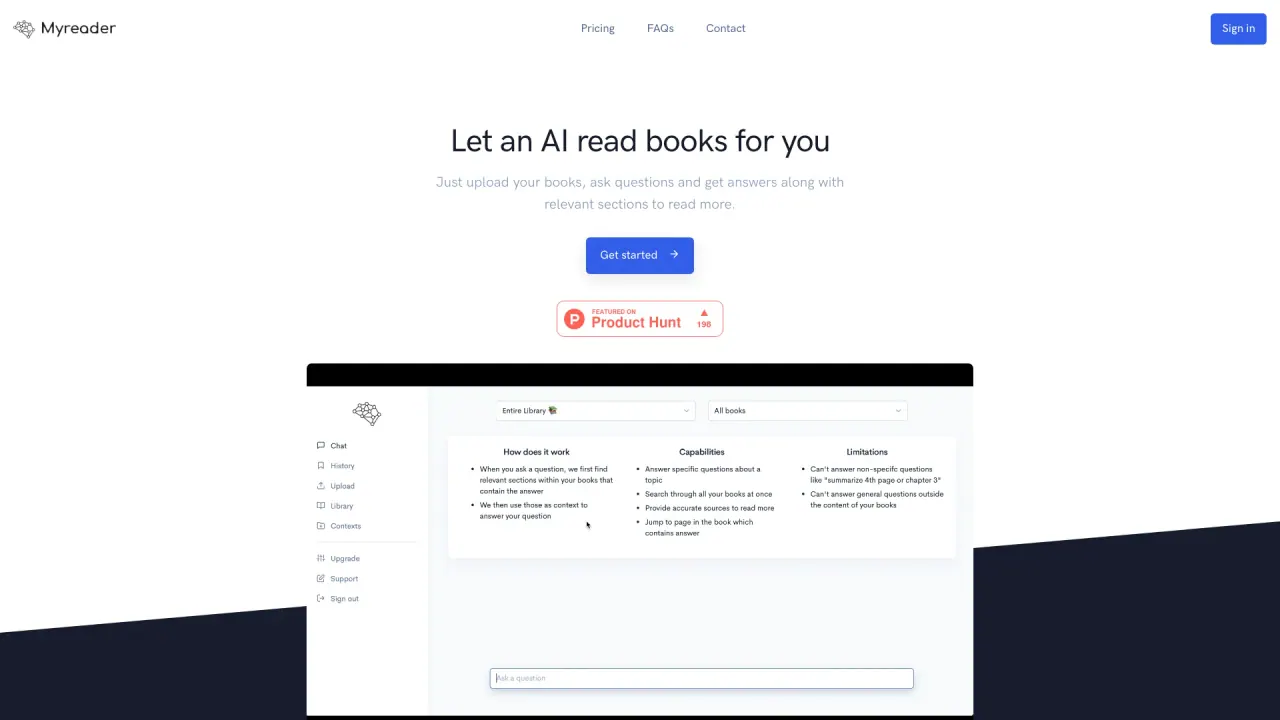
What does Myreader AI do?
How can Myreader AI help save time while reading?
Myreader AI speeds up reading by letting you upload documents and instantly ask questions, jump to exact pages, and get concise summaries with inline citations. You can also listen on the go by converting text to audiobook using 50+ voices in 30+ languages, so you can consume content wherever you are.
What formats can I upload to Myreader AI?
You can upload PDFs, EPUBs, Kindle books, Word documents, PowerPoint presentations, YouTube videos, and web articles. You can also add article links or YouTube links to your library and ask questions about them.
Can I chat with a single book, a collection of books, or my entire library?
Yes. You can chat with a single book or document, a group of books (collections), or your entire library.
How do inline citations and smart citations work?
When you ask questions, Myreader AI provides accurate citations and lets you jump to the exact pages or sections that contain the answers, so you can read the source material if you need more detail.
How many books can I upload, and where is my data stored?
You can upload up to 20,000 pages. All your books stay in the cloud for reference anytime. Your data is private to you and not shared with others, and you can delete it at any time. Data is stored in a secure cloud environment with encryption in transit and at rest.
Can I access Myreader AI from multiple devices?
Yes. Your organized library is accessible from any device, since your documents are stored in the cloud.
Is my data private and secure?
Yes. Your documents are private to you and are not shared with other users. Data is encrypted during transmission and storage, and you can delete your data anytime.
What languages do you support, and what about audio?
Myreader AI supports 16 languages for documents (Arabic, Chinese-simplified, Chinese-traditional, English, French, German, Italian, Japanese, Korean, Dutch, Polish, Portuguese, Spanish, Thai, Turkish, Russian). For audio, Text to Speech offers 50+ voices in 30+ languages.
How can I upload Kindle books and what about DRM?
If you have Kindle content, you will need to deDRM the files to use with Myreader. For guidance, follow the provided deDRM steps or contact support for assistance.
Do you offer business or enterprise solutions?
Yes. If you’re a publisher, business, education institution, teacher, professor, or course facilitator and want a custom solution with your content preloaded to search through, contact us for enterprise options.
How can I contact support?
You can reach us at help@myreader.ai for any questions or help.
What is the pricing model? Is there a free trial?
Pricing details are listed on the Pricing page, and there is a free trial available. Visit the Pricing page to see current plans and what they include.
Is this your tool?
Claim Myreader AI to manage this listing, or upgrade to Pro for featured-first placement and a newsletter feature.