PhotextAI
AI Design Tools
Replace text in screenshots and finished designs online—detects text automatically, lets you refine styling, and downloads the full-size result for free.
- Pricing
- Free
- Category
- Design
- Listed
- Jul 19, 2026
- Updated
- Jul 19, 2026
Promoted
 RewindType any X/Twitter handle. Get their year back as a narrated video story. Then ask it anything.
 KurodyneSell the tools from your AI side projects. Listing is free.
 Sidrune AI85% off. Stable Claude API for agent developers. Pay as you go. Invoices & refunds available.
 Pixmax.aiPixmax.ai is an all-in-one AI workspace for videos, visual stories, and marketing content.
 SEOify - Improve your SEO & rankingsBuild links to rank in Google. Improve your DR with links you can start building now.Advertise here270,000+ people visit Dang.ai every month.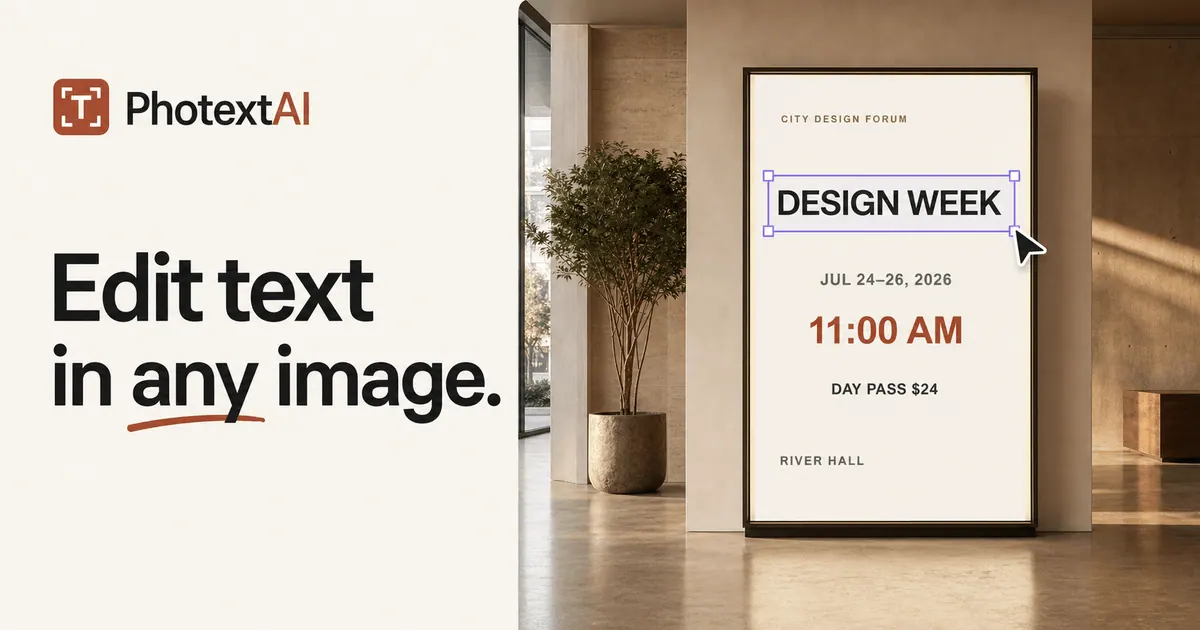
What does PhotextAI do?
PhotextAI is a free online AI image text editor for replacing text in images and screenshots without needing Photoshop or the original source file. Upload a JPG, PNG, or WebP (up to 10MB), click the detected text you want to change, type your replacement, and export the updated image.
For common edits like correcting typos, updating prices, changing dates, or refreshing labels, PhotextAI helps you keep the surrounding design intact—so only the wording changes. You can also use manual replacement when text isn’t detected cleanly: draw a box over missed text, remove the original lettering, and add a new editable text region in the exact spot.
To make each change look natural, PhotextAI provides precise style controls and lets you compare before/after as you work. Download the result at the same pixel dimensions as your source image.
Is PhotextAI free to use?
Yes—PhotextAI is a free online AI image text editor. You can start editing by uploading a JPG, PNG, or WebP image without needing Photoshop.
Can I edit existing text in a screenshot or finished design?
Yes. Upload your image, click detected text, replace it with new wording, and adjust styling so the edit fits the original layout.
Which image formats and file size are supported?
PhotextAI supports JPG, PNG, and WebP images up to 10MB. These can be screenshots or other finished designs.
What if some text isn’t detected automatically?
Use manual replacement. Draw a box over the missed area, clear the original lettering, and add an editable replacement where it belongs.
Can I control typography details like size, color, and rotation?
Yes. You can adjust font, size, weight, color, spacing, opacity, alignment, position, and rotation to make the replacement match the design.
Will the download keep the original image size?
Yes. Exports keep the finished image at the same pixel dimensions as the source file.
This listing is claimed
Own PhotextAI? Sign in with the email used to claim it to manage this listing, or upgrade to Pro for featured-first placement and a newsletter feature.