
WebVox
AI Productivity Tools
Turn any web article into a clean reader mode page and have it read aloud with Android text-to-speech.
- Pricing
- Free
- Category
- Productivity
- Listed
- Jun 10, 2026
- Updated
- Jun 11, 2026
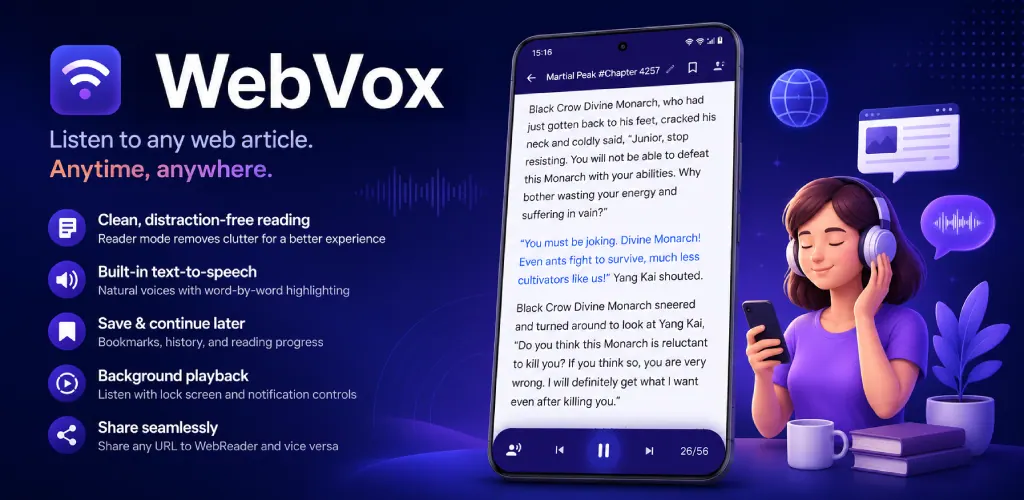
What does WebVox do?
WebVox helps you focus by transforming cluttered websites into clean reader mode pages. Paste a URL or share a link from your browser to strip away ads, popups, sidebars, and visual noise so the main content is easier to read or listen to.
Press play to start text-to-speech playback using Android’s built-in engine. Enjoy word-by-word highlighting with controls for speed, pitch, voice, and language, so you can tune the listening experience to your preferences.
Keep listening hands-free with background playback, including screen-off use and lock-screen/notification controls. Save articles with bookmarks and resume later from where you left off, while privacy features include no account, no subscriptions, and no tracking.
How do I start listening in WebVox?
Paste a URL into WebVox or share a link from your browser. WebVox extracts the article, switches to reader mode, and you can tap play to begin listening.
Does WebVox read aloud with word-by-word highlighting?
Yes—playback uses Android’s built-in text-to-speech engine and highlights words in real time so you can follow along.
Can I listen with my screen off?
Yes. WebVox supports background playback, with lock-screen and notification controls and media button support through Bluetooth and headsets.
What happens to ads and popups on busy pages?
WebVox automatically removes ads, popups, and other visual clutter in reader mode, presenting a cleaner view of the article content.
Can I save articles and resume where I left off?
Yes. You can bookmark articles and resume later using reading history so you don’t lose your place.
Is WebVox free and does it require an account?
WebVox is free and open source, and it doesn’t require an account. It’s designed to avoid unnecessary tracking.
Is this your tool?
Upgrade WebVox to Pro for featured-first placement, a newsletter feature and ongoing listing management.