
Open Voice OS
Openvoiceos AI Voice Platform
Revolutionize voice control with OpenVoiceOS: the open-source AI voice platform for custom interfaces.
Promoted
 KurodyneSell the tools from your AI side projects. Listing is free.
 Sidrune AI85% off. Stable Claude API for agent developers. Pay as you go. Invoices & refunds available.
 Pixmax.aiPixmax.ai is an all-in-one AI workspace for videos, visual stories, and marketing content.
 RewindType any X/Twitter handle. Get their year back as a narrated video story. Then ask it anything.
 SEOify - Improve your SEO & rankingsBuild links to rank in Google. Improve your DR with links you can start building now.Advertise here270,000+ people visit Dang.ai every month.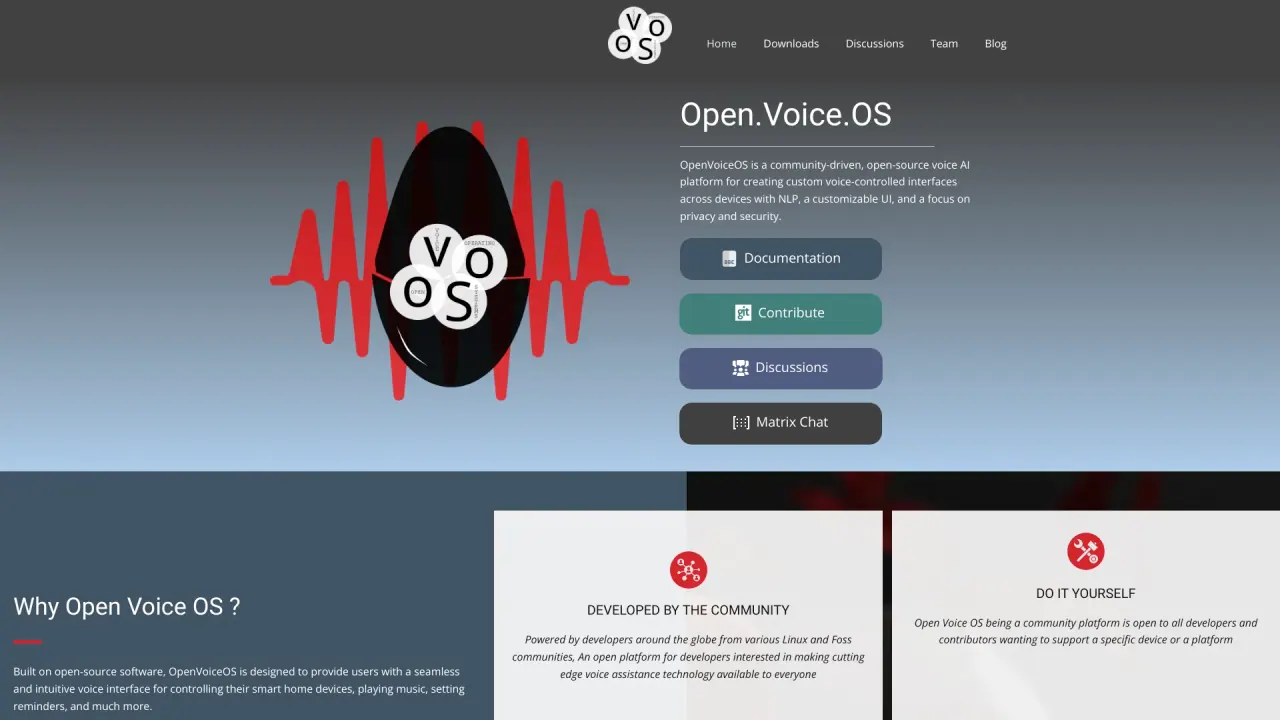
What does Open Voice OS do?
What is Open Voice OS?
Open Voice OS is a community-driven, open-source voice AI platform for creating custom voice-controlled interfaces across devices. It emphasizes privacy and security, provides NLP capabilities and a customizable UI, and supports experimentation and DIY projects across multiple platforms.
Is Open Voice OS open source and what license is it under?
Yes. Open Voice OS is free and open-source under the Apache License 2.0, allowing personal or commercial use, modification, and distribution. Donations are optional.
How do I install Open Voice OS?
There are two main installation paths: Docker or Python virtual environments. Docker is generally the most stable and easiest way to run OVOS, while Python virtual environments are suited for developers who want to tinker with the code. To start, run: sh -c "curl -s https://raw.githubusercontent.com/OpenVoiceOS/ovos-installer/main/installer.sh -o installer.sh && chmod +x installer.sh && sudo ./installer.sh && rm installer.sh" If you’re on a Raspberry Pi or Mycroft device, you can use the Prebuilt Image. Detailed installation instructions are available on the Downloads page.
What hardware does Open Voice OS support?
Open Voice OS runs on a variety of hardware, including Raspberry Pi models (3B, 3B+, 4, Zero 2), Mark I and Mark II devices, Linux desktops and laptops, and Docker containers. See the Downloads page for exact images and installation guidance.
Can Open Voice OS work offline?
Yes. ovos-core can operate without a backend internet server, though some skills may require internet access. The default speech-to-text (STT) engine is online, but offline options exist (for example, Vosk or Mozilla DeepSpeech). Individual skills and plugins may still require internet access for full functionality.
How do speech recognition and text-to-speech work in Open Voice OS?
Open Voice OS uses a plugin-based architecture for both STT and TTS. STT defaults to online services but can be configured for offline options like Vosk or Mozilla DeepSpeech. TTS supports multiple options, including Mimic3 (local), Google TTS, Amazon Polly, and more, which you can select and configure in settings.
What can I do with Open Voice OS?
Open Voice OS lets you create a wake-word-enabled voice assistant, control smart home devices, play music/podcasts/radio, get answers to questions, set timers and reminders, and extend functionality with community-developed skills or your own custom skills.
How can I contribute to Open Voice OS?
Open Voice OS is a community project and welcomes contributions in many forms: testing and bug reporting, improving documentation, creating or enhancing skills, code contributions, and translations. See the contribution page and the project’s GitHub or forums to get started.
Is there a prebuilt image for Raspberry Pi or Mycroft devices?
Yes. The Prebuilt Image is a stripped-down Linux OS designed to host Open Voice OS on embedded systems, low-spec headless devices, and small touch-friendly screens. If you own a Raspberry Pi or Mycroft device, you can download this image.
Where can I find installation instructions and documentation?
Detailed installation instructions are available on the Downloads page, and additional documentation is accessible through the Documentation resources and community channels (GitHub, forums, etc.).
How can I get help or contact the OVOS team?
You can reach the Open Voice OS community through the site’s Contact options, GitHub, Discussion forums, Matrix, or email. You can also view the full FAQ for answers or join the community to ask questions and contribute.
Is this your tool?
Claim Open Voice OS to manage this listing, or upgrade to Pro for featured-first placement and a newsletter feature.