
Framepack AI
AI Video Generator
Generate AI videos locally and efficiently
What does Framepack AI do?
What makes FramePack AI different from other video generation approaches?
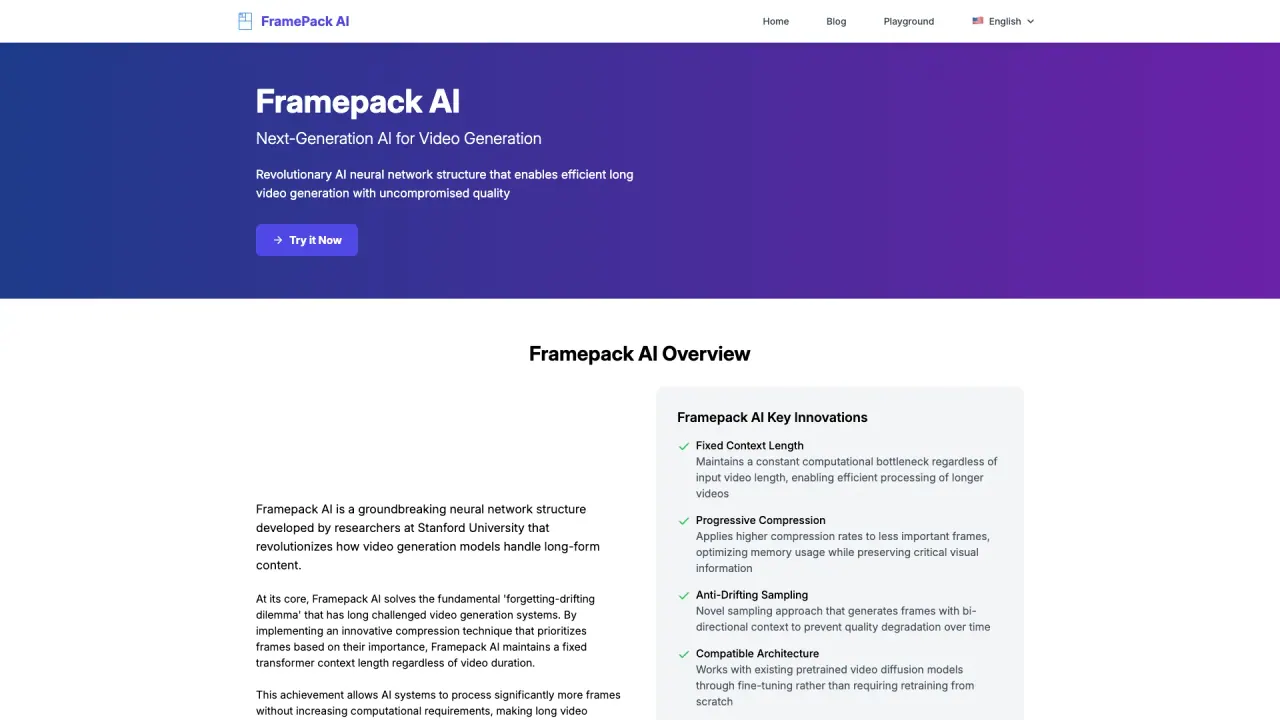
FramePack AI solves the forgetting-drifting dilemma by using progressive frame compression to maintain a fixed transformer context length regardless of video duration, and anti-drifting sampling to prevent quality degradation over time. It also works with existing pretrained video diffusion models through fine-tuning rather than retraining from scratch, supports balanced diffusion schedulers, and enables larger training batches for faster progress.
How does FramePack AI address forgetting and drifting in long-form video generation?
FramePack AI combines progressive compression with anti-drifting sampling. Progressive compression allocates memory more efficiently by compressing less important frames, keeping essential information intact. Anti-drifting sampling generates frames using varied temporal orders (including inverted approaches) to prevent error accumulation and maintain temporal consistency across long videos.
Can FramePack AI be integrated with existing video diffusion models without extensive retraining?
Yes. FramePack AI is designed to be compatible with existing pretrained video diffusion models and can be integrated through fine-tuning rather than full retraining. It has demonstrated compatibility with models like HunyuanVideo and Wan.
What hardware is required to train FramePack AI and run inference?
Training typically benefits from 8× A100-80GB GPUs for a 13B parameter model. Inference can run on a single A100-80GB or 2× RTX 4090. For 480p generation, memory usage is around 40GB.
How does FramePack AI handle different video resolutions and aspect ratios?
FramePack AI supports multi-resolution training with aspect ratio bucketing. It uses a minimum unit size of 32 pixels and organizes resolutions into buckets around 480p, enabling flexible handling of different aspect ratios and resolutions.
Is FramePack AI suitable for real-time applications?
The primary focus is high-quality video generation rather than real-time performance. However, the fixed context length and efficiency improvements offer potential for streaming or interactive scenarios with further optimization.
What input modalities does FramePack AI support?
FramePack AI supports image-to-video generation (transforming photos into video sequences) and text-to-video generation. It enables multi-scene storytelling with smooth temporal transitions and natural motion.
What model sizes are available for FramePack AI and how do they differ?
FramePack AI offers multiple variants:
- Base: 13B parameters
- Lite: 7B parameters
- Extended: 20B parameters
Each variant comes with a different context length (for example, ~3,120; ~2,080; ~3,900 tokens) reflecting their capacity.
How efficient is FramePack AI for training compared to traditional video diffusion?
FramePack AI supports higher training batch sizes (about 64 vs ~16 for traditional approaches). For a 13B model at 480p, traditional training is about 240 hours, while FramePack training is around 48 hours, reflecting substantial efficiency gains.
Where can I access the research paper, code, and documentation?
Official resources include the FramePack AI research paper, the GitHub repository with implementation code, examples, and training scripts, and the FramePack AI documentation and code page.
What are the key performance improvements FramePack AI delivers?
Key findings show that inverted anti-drifting sampling achieves the best results on several metrics, generating 9 frames per section yields better perceptual quality, and FramePack exhibits lower drifting errors across metrics. It remains compatible with existing video diffusion models via fine-tuning.
What is the recommended default FramePack AI configuration?
A typical setup uses a base model built on HunyuanVideo with 13B parameters at 480p resolution, a compression parameter λ of 2, context-length convergence to 2 × Lf, and a patchify kernel sequence that emphasizes recent frames. The sampling method used is inverted anti-drifting.
Are there public examples or demos available?
Yes. FramePack AI provides examples such as image-to-5-second videos and image-to-60-second videos to illustrate capabilities and quality.
Where can I access official resources for FramePack AI?
Official resources include FramePack AI Documentation & Code, the Research Paper, and the GitHub Repository, which host implementation details, tutorials, and reference materials.
Is this your tool?
Upgrade Framepack AI to Pro for featured-first placement, a newsletter feature and ongoing listing management.